Monthly visits
0
2026-10

Cline - An open-source coding agent for your editor, terminal, and desktop

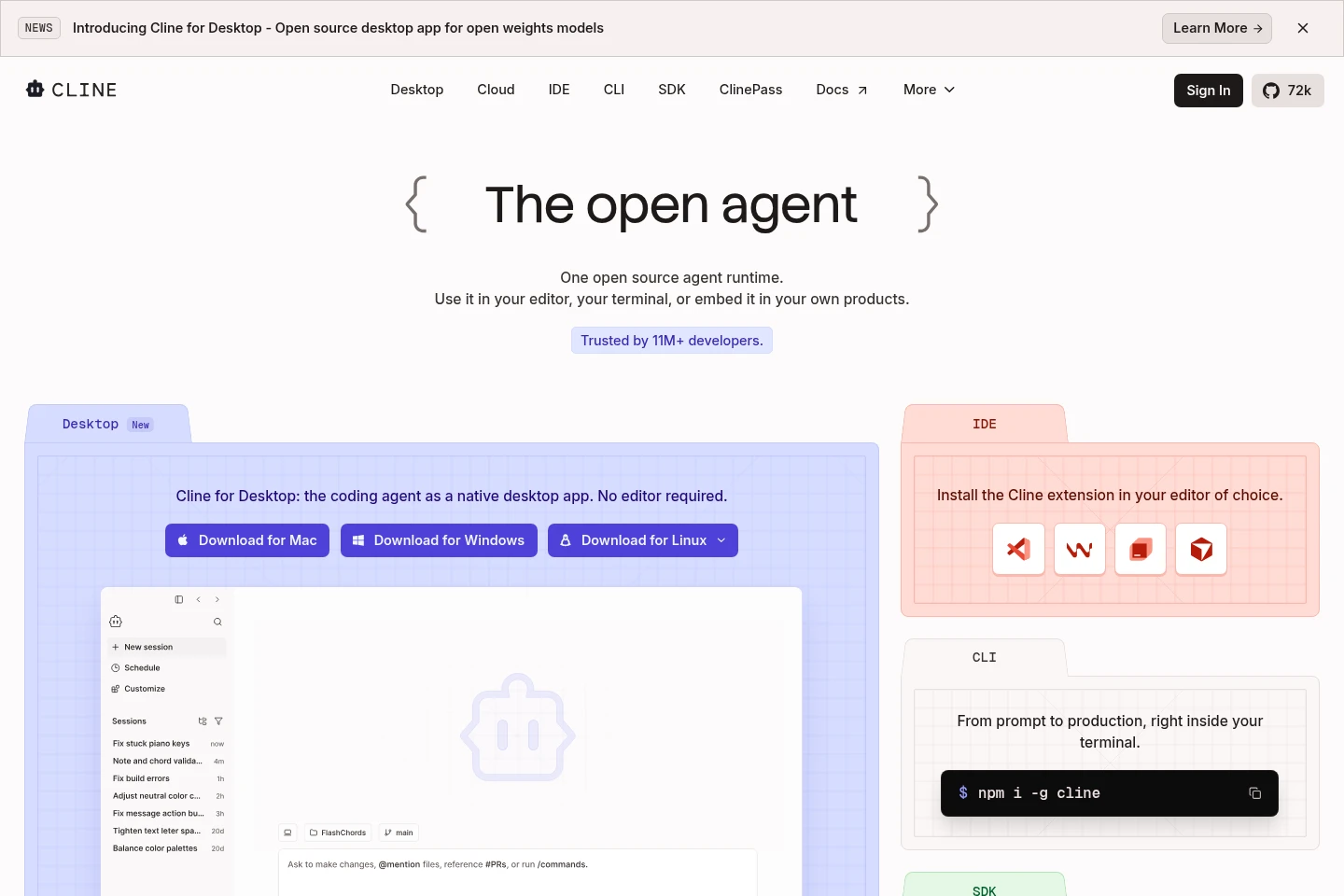
Cline is an open-source AI coding agent available as an editor extension, terminal CLI, SDK, and native desktop app. It can inspect code, make coordinated multi-file edits, run terminal commands, and work in Plan and Act modes. Connect a supported model using your own API key or weights; inference charges depend on the provider or plan.

Visit WebsiteUpdate this product

0Views

Capabilities

Codebase assistance

Cline answers questions about a codebase and edits files across a project. It can inspect files, dependencies, and behavior, then make coordinated changes with diffs, checkpoints, and undo.

Plan and Act modes

Cline separates planning from executing coding tasks. Use Plan mode to align on a strategy, then Act mode to carry it out; approve steps individually or enable auto-approve.

Terminal command execution

Cline runs commands in the user's terminal and responds to their output. It can handle tasks such as tests and long-running development servers while the command is running.

Model provider choice

Cline connects to supported hosted or local models using a provider key, endpoint, or weights. Available options include Claude, GPT, Gemini, Ollama, LM Studio, and OpenAI-compatible endpoints.

MCP and SDK extensions

Cline can use MCP servers as tools and lets developers register custom tools and lifecycle hooks through the SDK. MCP servers can connect it to databases, APIs, and infrastructure.


PricingFreemium

Cline offers a free Open Source plan and a custom-priced Enterprise plan. Compare inference payment options and included team, security, and support features when choosing.

PlanPriceIncluded features and limits
Open Source

Free

  • For individual developers

  • VS Code Extension and CLI included

  • MCP Marketplace and multi-root workspaces

  • Pay for model inference at cost or bring your own key

  • Community support

Enterprise

Custom pricing

  • Includes all Open Source features

  • JetBrains Extension and centralized billing

  • SSO, SLA, and dedicated support

  • Team management dashboard and role-based access control

  • Authentication logs and provider limits

The Open Source plan has no subscription or seat fees; provider inference is usage-based when using the Cline provider. Enterprise pricing is custom and requires contacting sales.

Use cases

Understand an unfamiliar codebase

When exploring a project, ask Cline about its files, dependencies, and behavior. It inspects the codebase and responds to questions to help explain its structure.

Edit and refactor project code

When a change spans project files, describe the task to Cline in an editor, terminal, or desktop app. It can coordinate edits, show diffs, and provide checkpoints and one-click undo.

Run tests and development commands

When a coding task requires terminal work, ask Cline to execute commands and react to their output. This can include running tests or keeping a development server running.

Limitations

  • The desktop app is labeled beta, and its page warns that builds may have rough edges.

  • The Open Source plan charges separately for AI inference when users use the Cline provider; bringing a provider API key is also an option.

  • Advanced Config Mgmt and Fine-Grained Permissioning are marked Coming Soon under Enterprise.

Alternatives

Parallel Code

Coordinate parallel AI coding agents and review every change

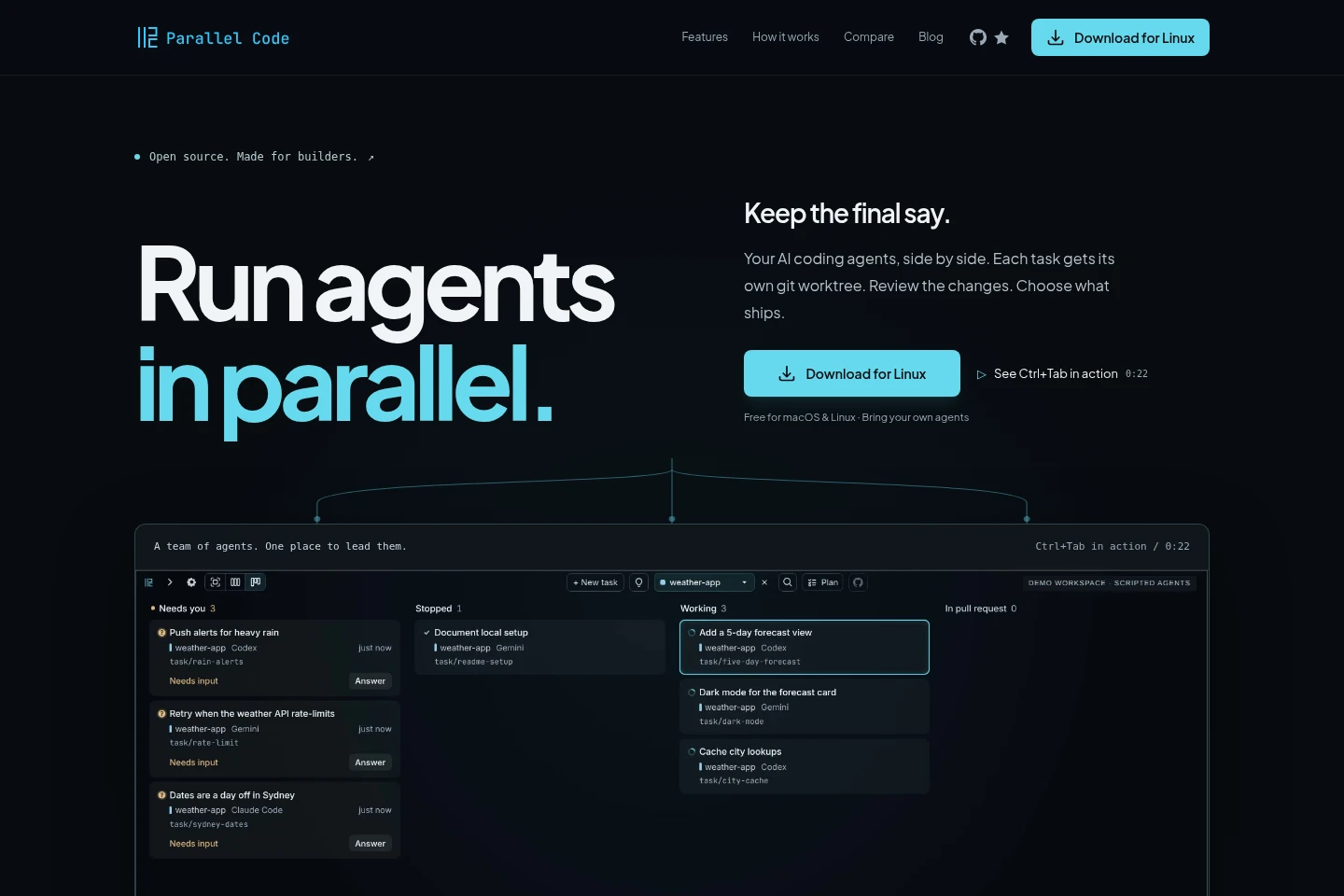
Parallel Code is a free, open-source desktop workspace for running coding agents side by side. It assigns each task a separate Git branch and worktree, brings agent sessions together, and lets you inspect diffs, comment, and choose what to merge. It supports macOS and Linux and works with terminal-based coding agents.

  • Free
  • FreeFree
  1. Kilo Code

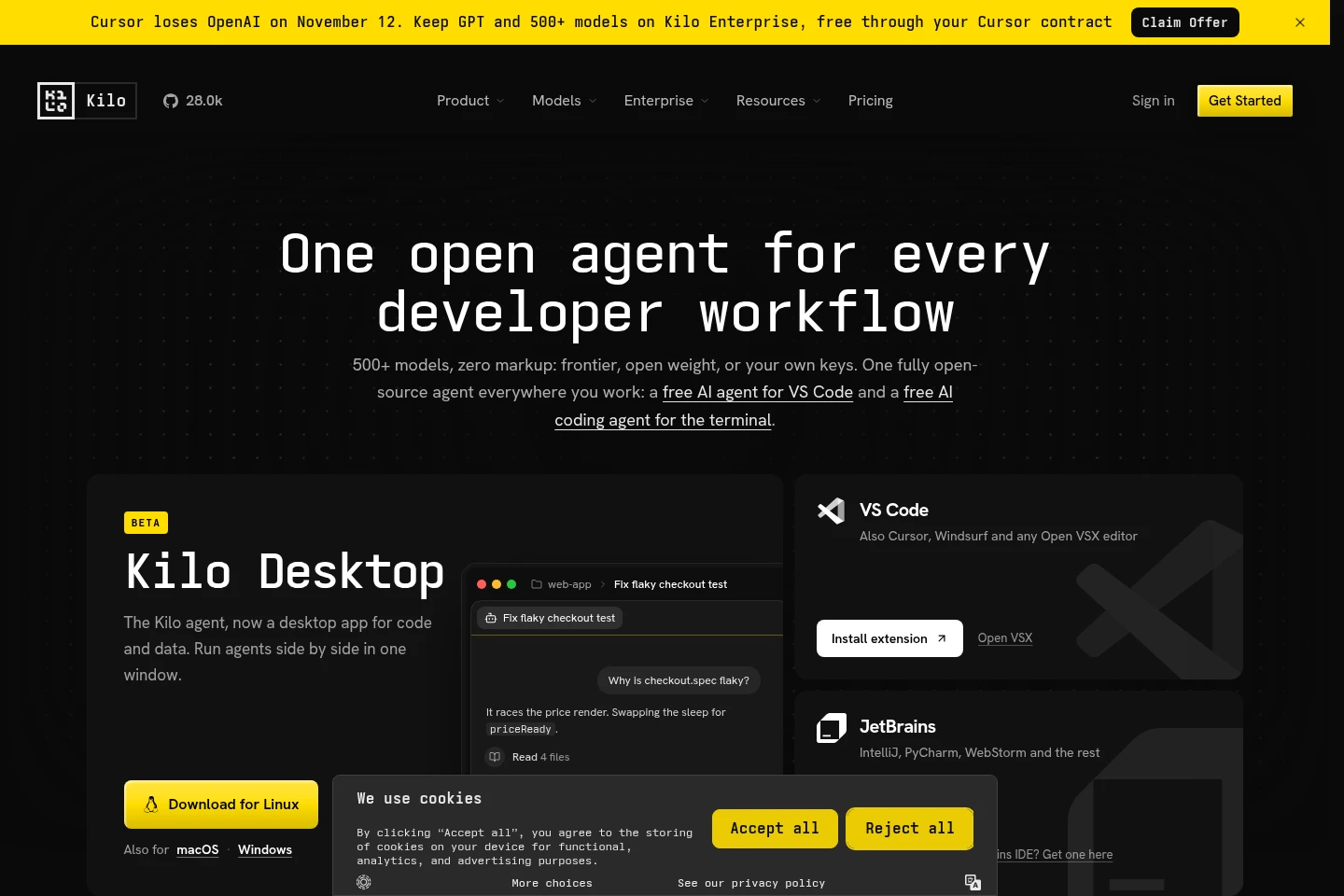
    Open-source AI coding agents across your development workflow

    Free · Free; $0
  2. crystl

    Manage coding agents and projects from one macOS terminal

    Apprentice · $0 forever
  3. OpenAI Codex

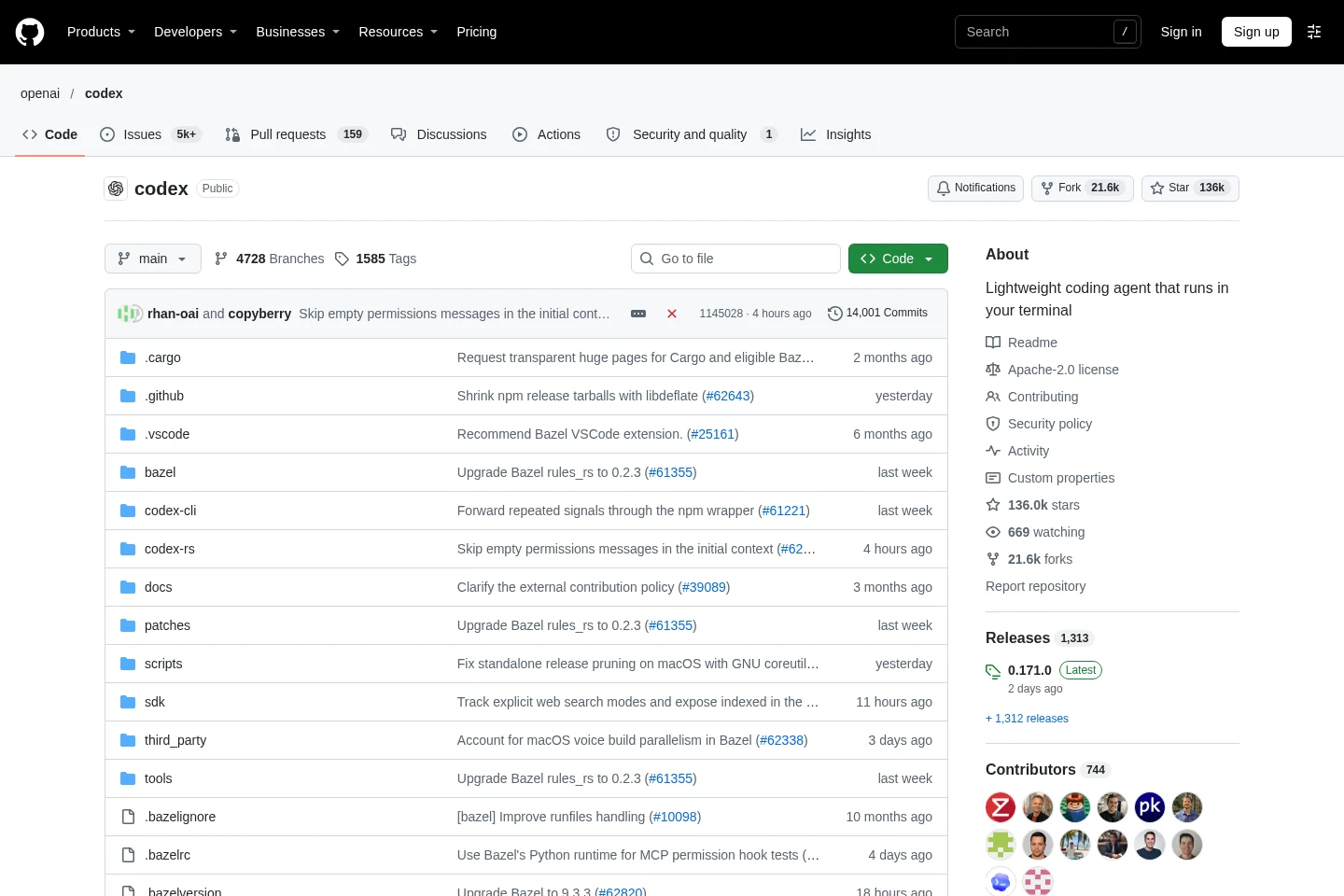
    AI programming assistant for every coding scenario

    Freemium
  4. Contral

    Learn while AI agents build your code

    Free · Free; price not stated
  5. Codeium

    Boost your coding efficiency with AI

    Freemium

Who it is for

  • Individual developers who want an open-source coding agent in their editor, terminal, or desktop workspace

  • Engineering teams needing shared access controls, centralized billing, SSO, or team management

  • Developers embedding Cline's agent runtime or connecting it to external tools and workflows

FAQ

Is Cline free to use?

The Open Source extension is free for individual developers. AI inference is charged based on use when using the Cline provider; users can instead bring their own API keys.

What does AI inference cost?

Inference charges depend on model usage. The Open Source plan has no subscription or seat fee, and users pay for inference when they use AI models through the Cline provider.

Can I use my own model API keys?

Yes. Cline supports bringing API keys from providers such as OpenAI, Anthropic, and Google, as well as connecting to other supported providers and local models.

When should an organization choose Enterprise?

Enterprise is for organizations needing features such as centralized billing, team management, role-based access control, SSO, OIDC, SCIM provisioning, audit logs, VPC deployments, SLA, and dedicated support.

Does Cline lock users into one model provider?

No. Cline supports multiple model providers and local options; users can switch providers or self-host, according to the pricing FAQ.

Comments

Please sign in to leave a comment.
No comments yet. Be the first to share your thoughts!