Audio and video transcription
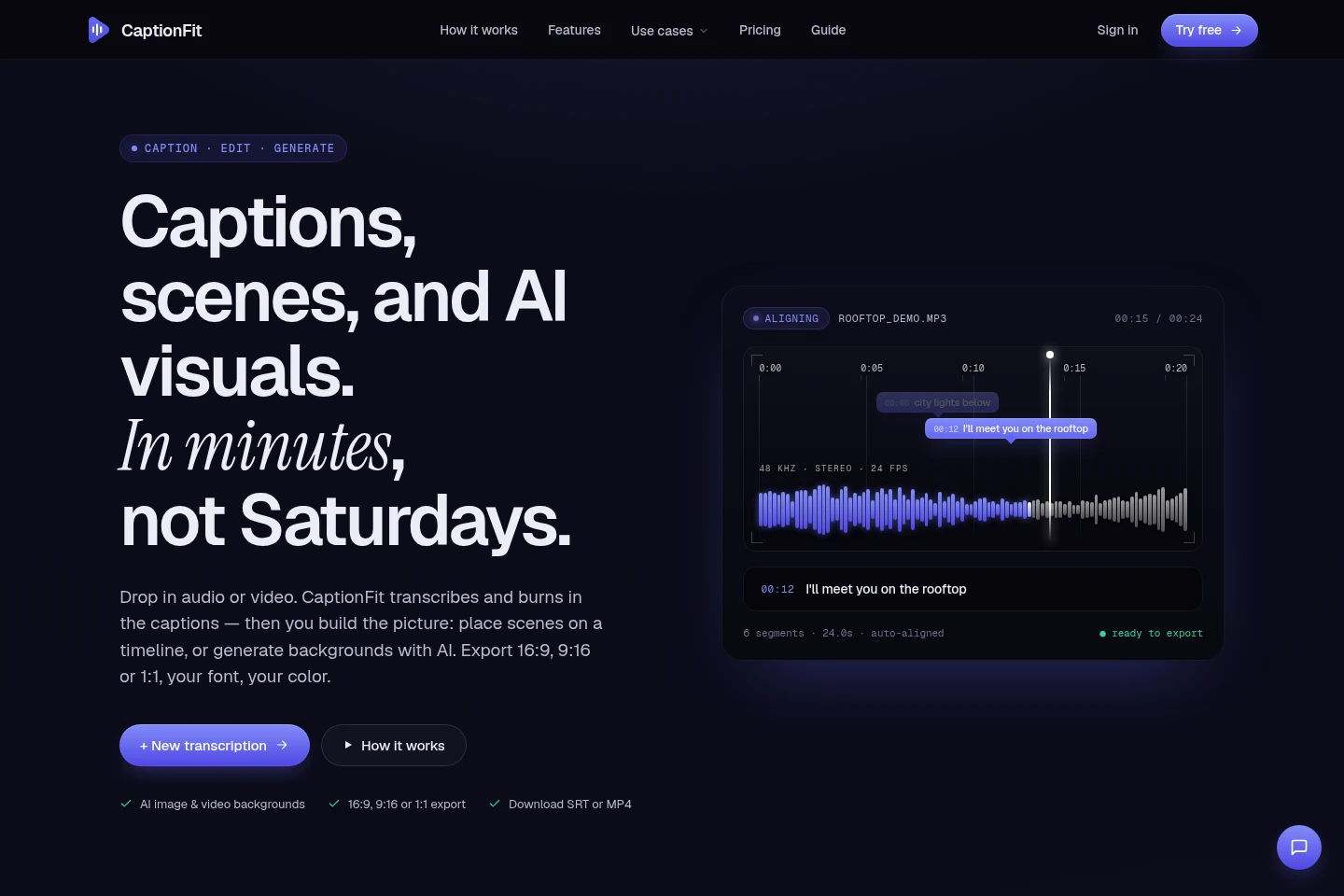
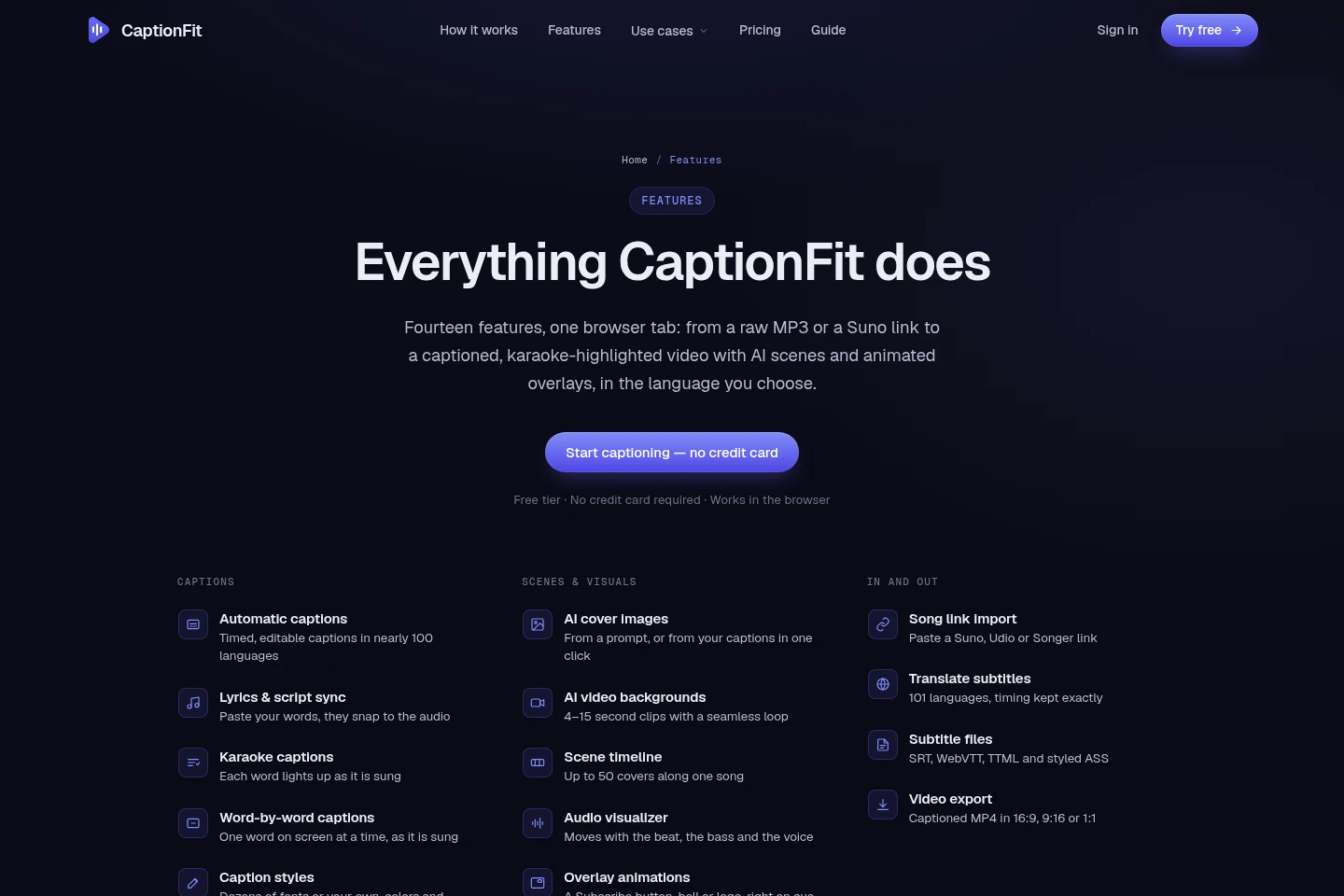
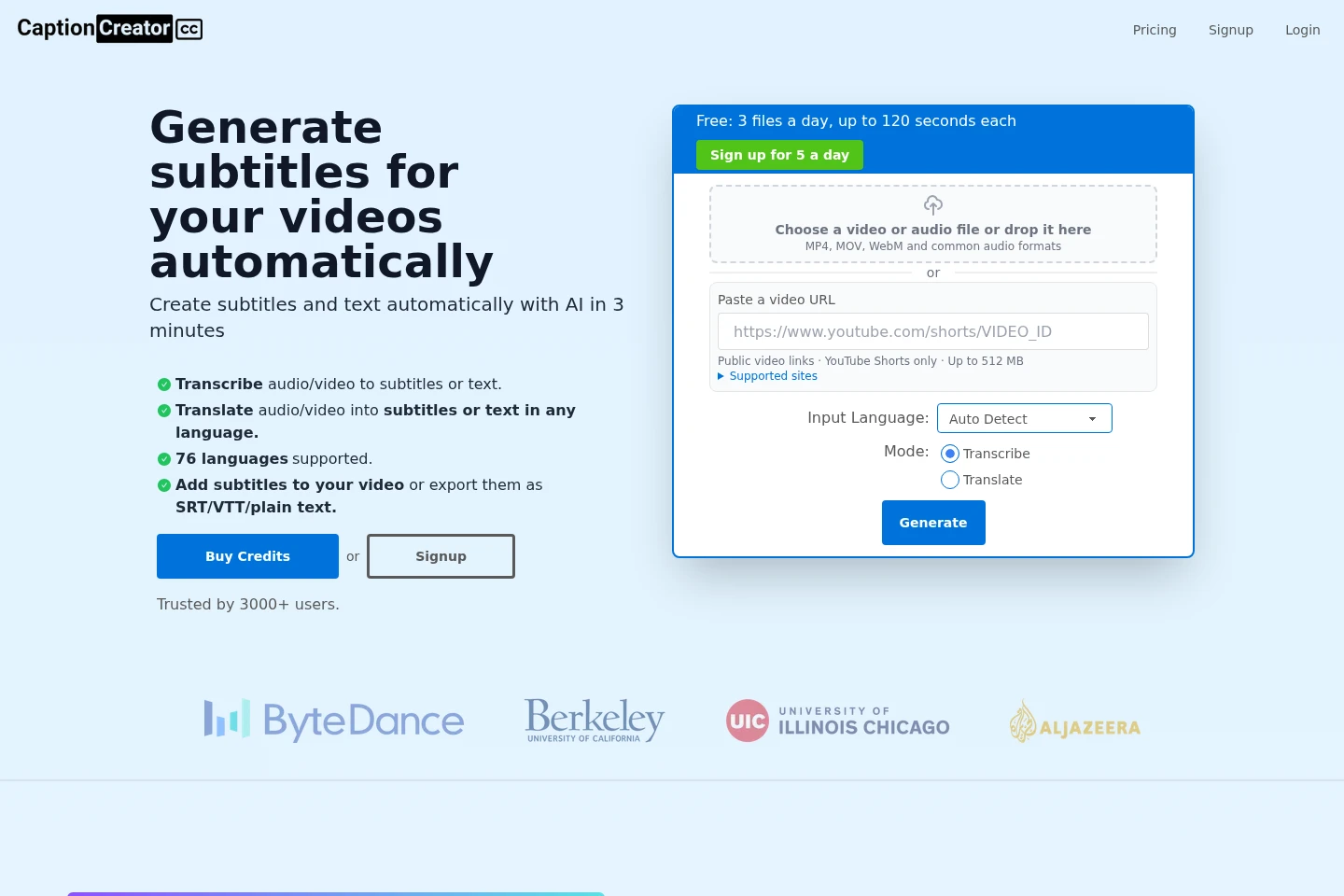
Transcribes uploaded audio or video and outputs timed captions. Upload MP3, WAV, M4A, or MP4 files up to two hours, choose a language or auto-detection, and select a caption length.
Lyrics and script sync
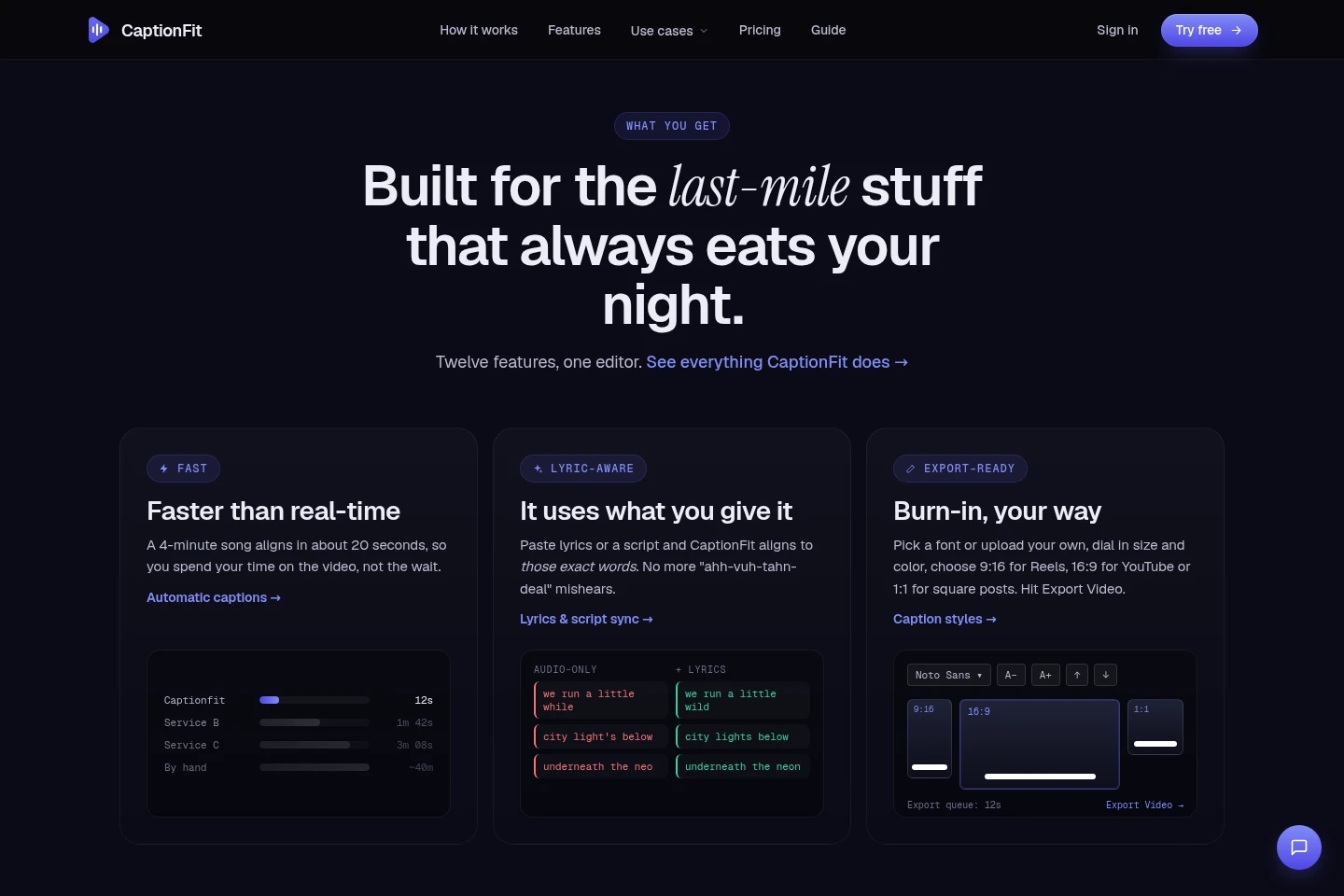
Aligns supplied lyrics or script text to audio and outputs timed captions using those words. Paste text with one line per caption to correct transcription wording and grouping.
Caption styling and editing
Edits caption text, timing, appearance, and placement, then previews burned-in captions. Choose fonts, size, color, and position; upload custom fonts on Pro and Expert.
Scene timeline and AI visuals
Arranges video scenes and generates image or video backgrounds for export. Upload covers or use AI prompts and caption-based Auto cover; the timeline supports up to 50 scenes, and generated video clips are 4–15 seconds.
Subtitle translation
Translates captions while retaining their timing and styling. Choose from 101 translation languages in the editor; captions can also be transcribed in nearly 100 languages.
Video and subtitle export
Exports captioned MP4 video or downloadable subtitle files. Choose 16:9, 9:16, or 1:1 video format; supported subtitle formats include SRT, WebVTT, TTML, and styled ASS.









Comments