Automatic personal data detection
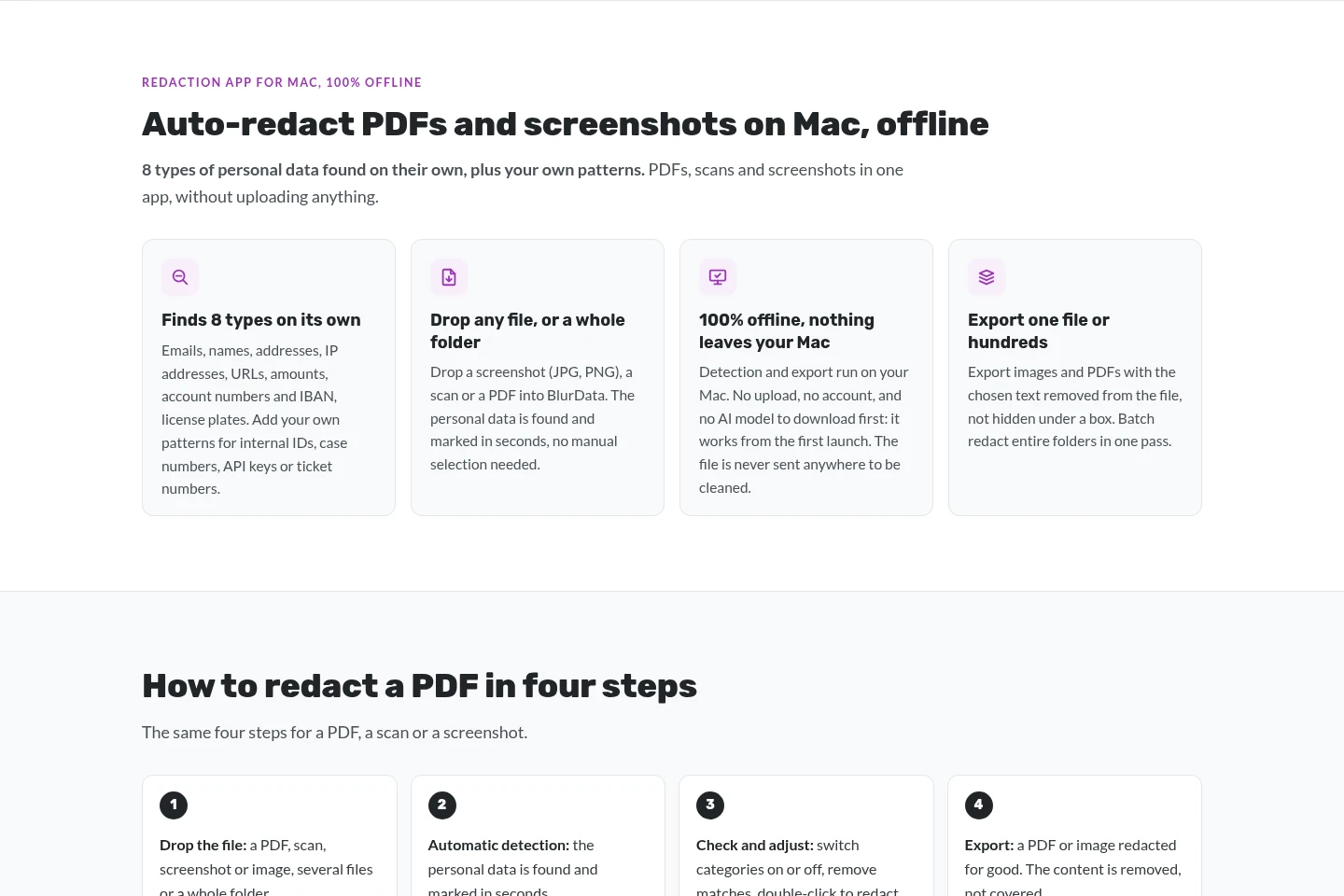
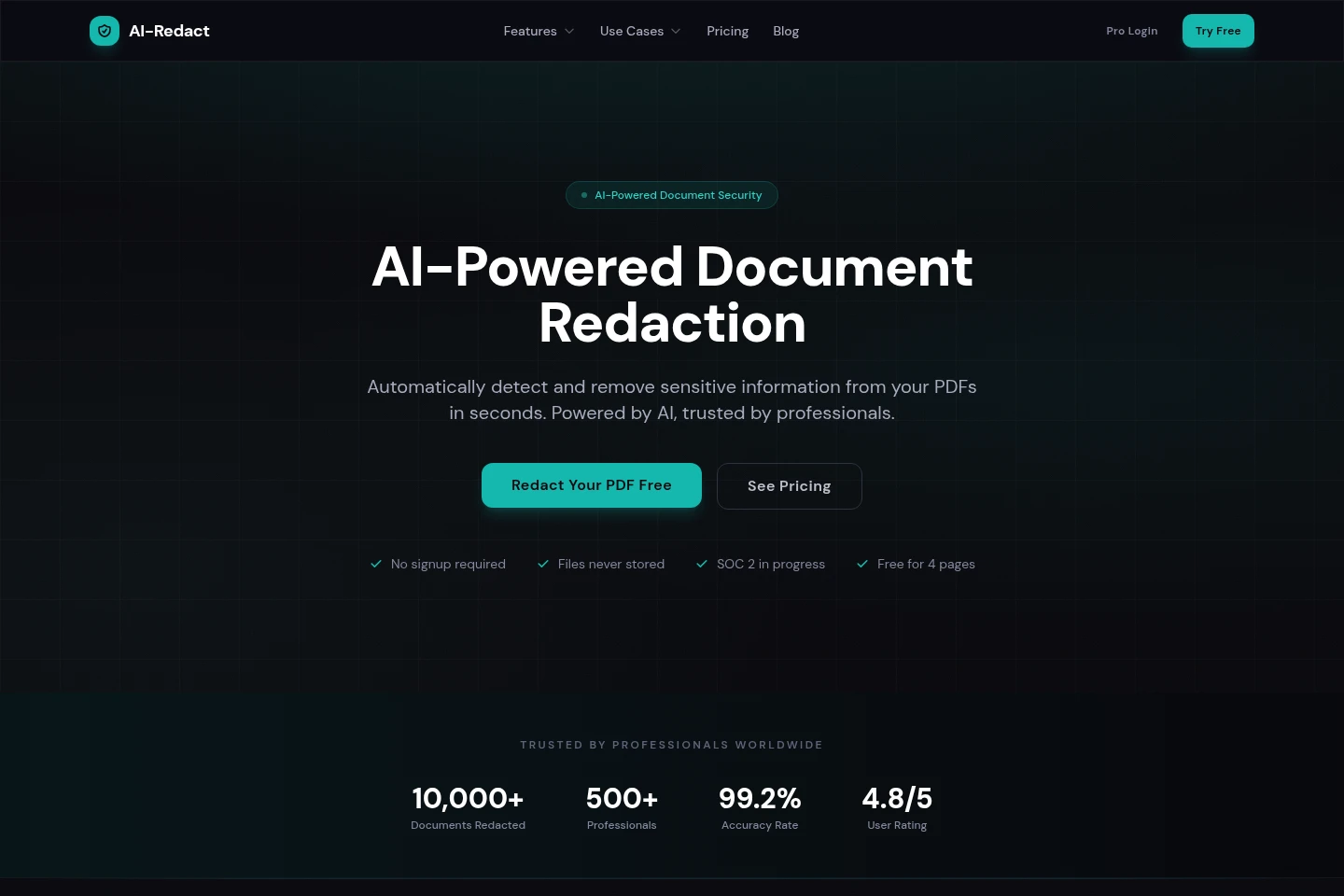
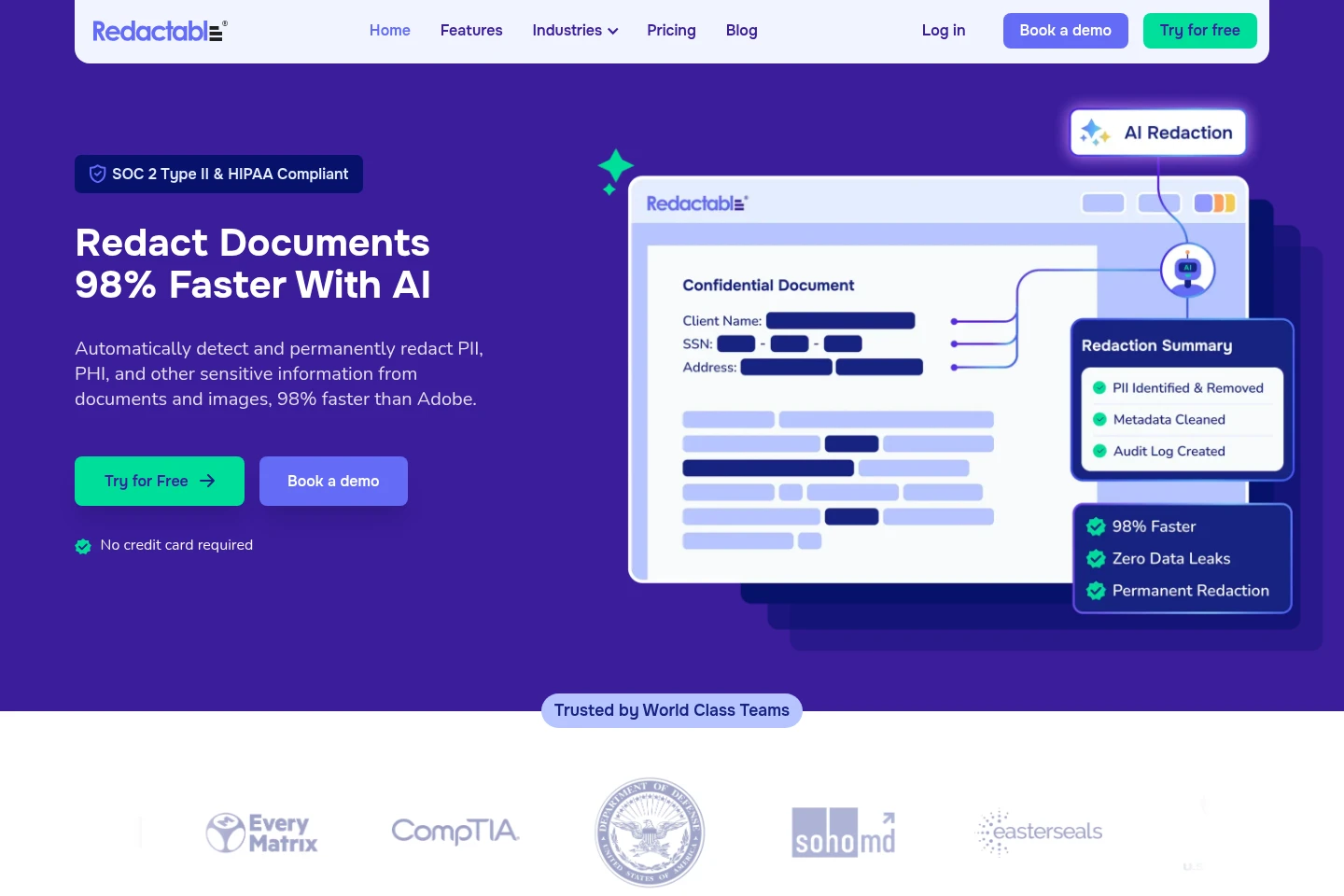
Detects and marks personal data in PDFs, scans, and screenshots, including names, addresses, emails, account numbers, and other built-in categories. Users can add custom patterns, review matches, and adjust categories before exporting.
Permanent file redaction
Removes selected text from PDF files and incorporates covered areas into exported image pixels, rather than placing a removable overlay. Users can choose categories or individual matches, draw boxes, and export individual files or folders.
Consistent pseudonymization
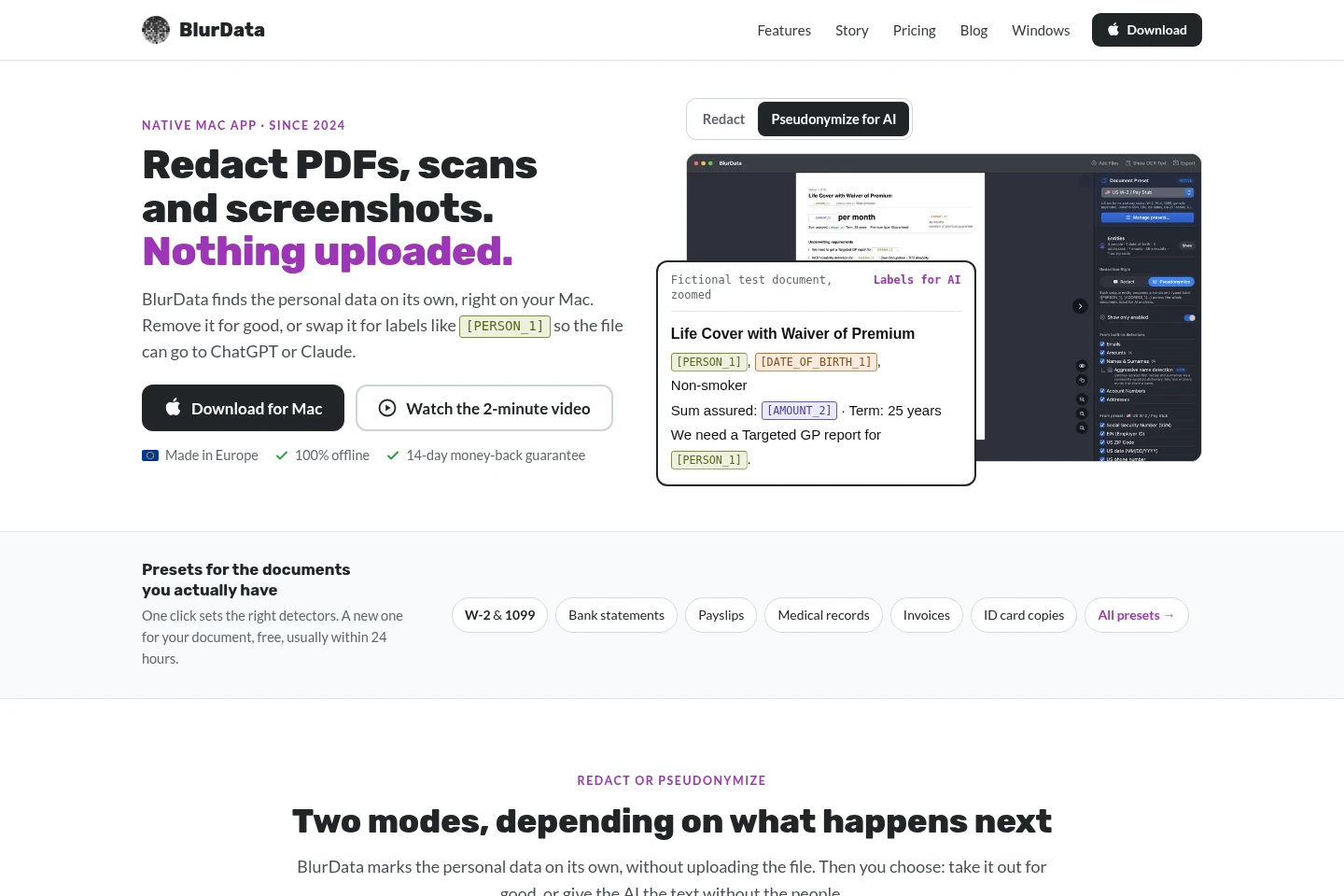
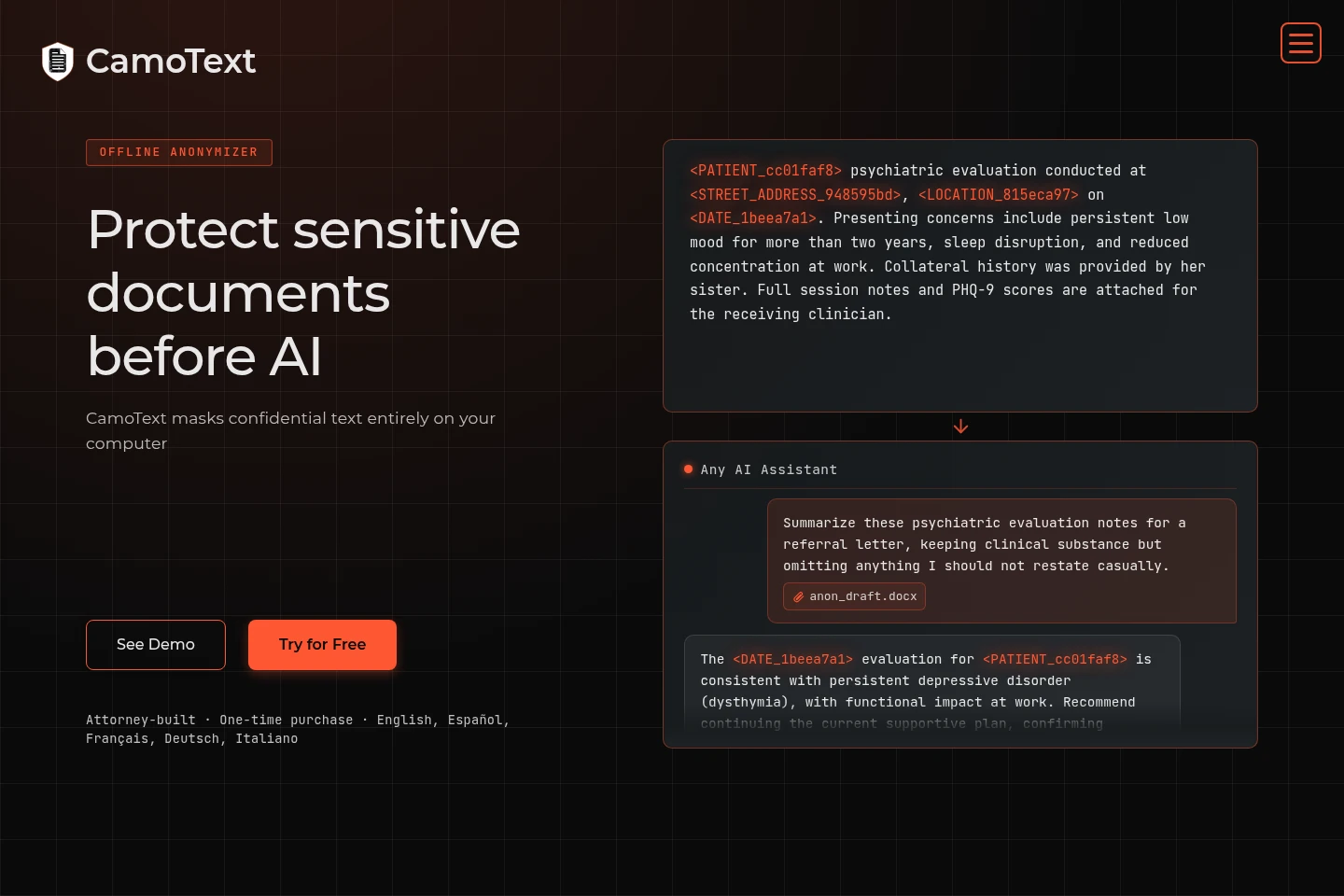
Replaces people, addresses, and amounts with consistent labels across pages so document text remains readable for AI or colleagues. The mapping key stays on the user's device; this mode is available on Mac and in Pro for Windows.
Document detection presets
Applies detector settings suited to recognized document types such as bank statements, payslips, medical records, and invoices. The available presets depend on the edition and platform.
Folder and batch processing
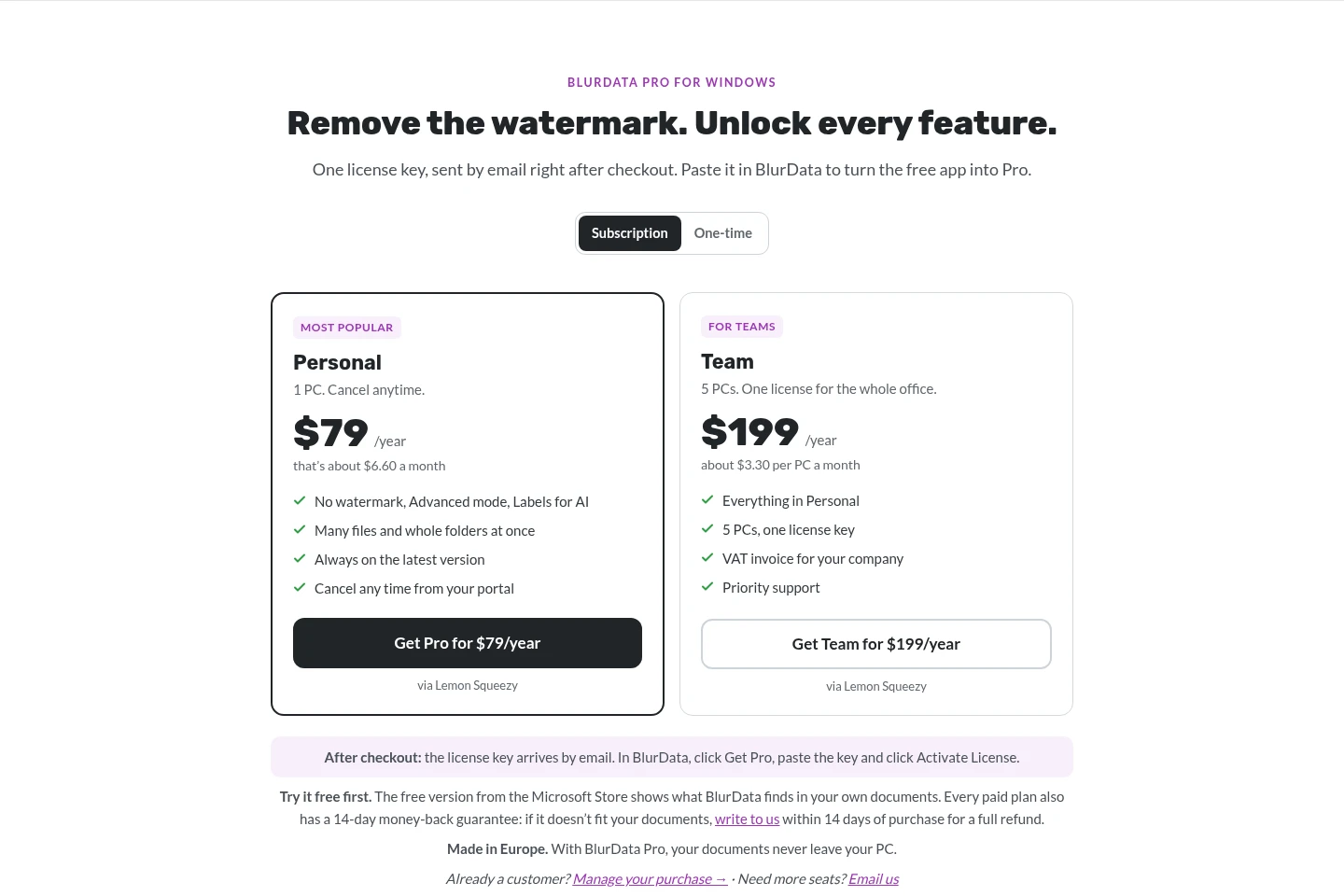
Processes many files or whole folders in one pass where the edition supports it. Mac supports folder batch redaction; Windows Free is limited to one document at a time, while Pro includes multiple files and folders.









Comments