Monthly visits
367
2026-10
Monthly growth -86.1%

Artevia - Redesign rooms and visualize spaces with AI

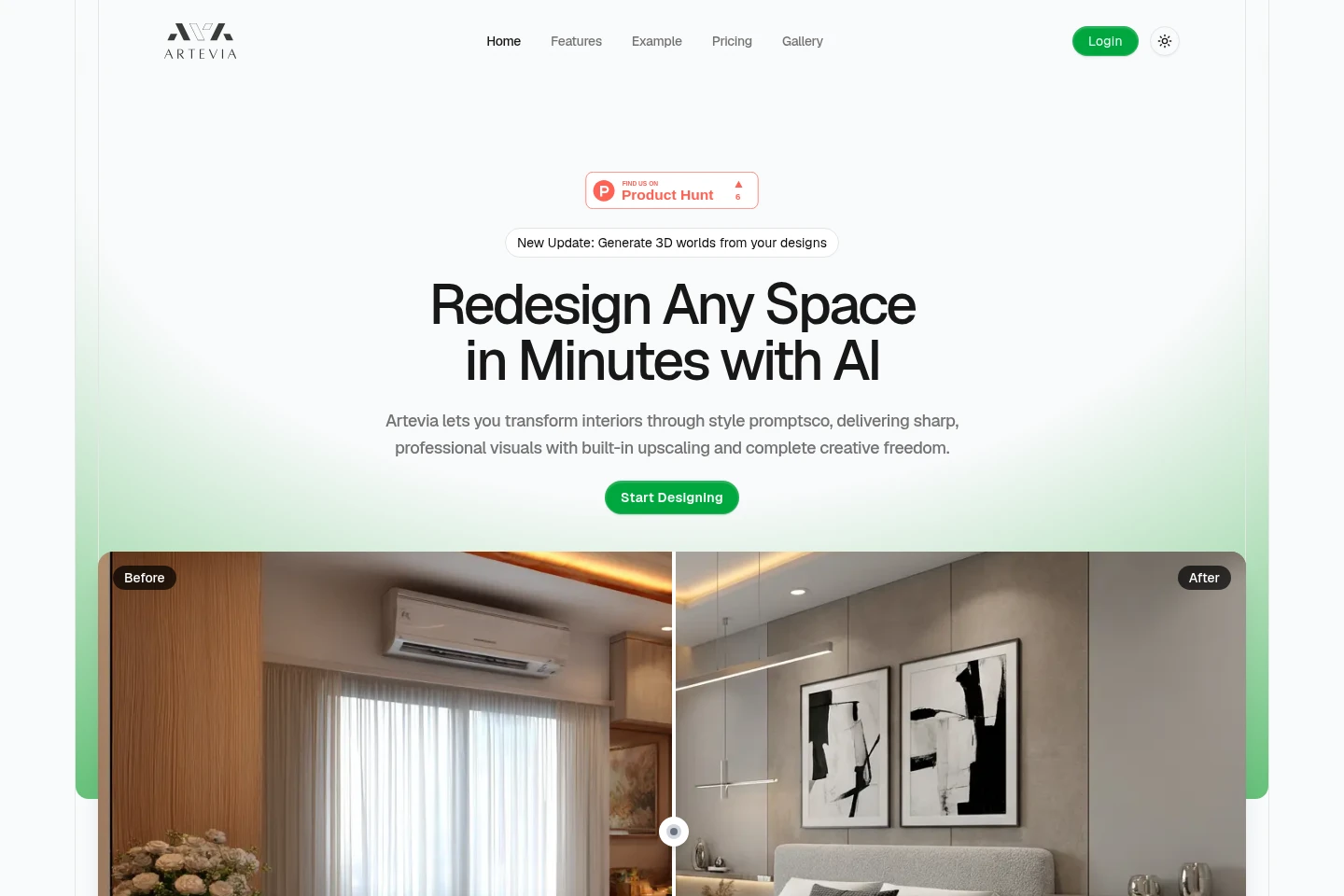
Artevia is an AI interior-design tool for transforming photos of rooms into redesigned images. Choose a style, adjust details with prompts or inpainting, and upscale the result. It also renders design videos and lets users explore redesigned spaces in 3D. Plans include monthly credits for image generations and related features.

Visit WebsiteUpdate this product

2Views

Capabilities

AI room redesign

Transforms an uploaded room photo into a redesigned interior image. Users choose a style and adjust settings; the system can replace furniture, alter lighting, and adapt textures.

Prompt and inpainting edits

Edits specified parts of an interior image and outputs a revised design. Users describe a change in a prompt or guide edits with brush strokes to swap furniture, adjust layouts, or apply themes.

Design video rendering

Renders and enhances videos based on designs, producing higher-resolution output. Features include detail-preserving processing, noise reduction, and predefined camera movements.

3D space preview

Presents a redesigned space as an interactive 3D environment. Users can look around and move through the rendered space.

Image upscaling

Automatically upscales generated images to high resolution. The feature is described as part of preparing final design visuals.

Pricing

Artevia lists three paid monthly subscription plans. Compare their monthly credit and image-generation quotas, along with included features and Studio priority support, to choose a plan.

PlanPriceIncluded features and limits
Starter

$19/mo

  • 60 image generations

  • 60 credits per month

  • Room redesigns included

  • Video rendering included

  • Style with Reality included

Pro

$49/mo

  • 200 image generations

  • 200 credits per month

  • Room redesigns included

  • Video rendering included

  • Style with Reality included

Studio

$99/mo

  • 500 image generations

  • 500 credits per month

  • Priority support included

  • Video rendering included

  • Style with Reality included

Credits are added to the account and can be used at any time.

Use cases

Preview a redesigned room

When exploring a new look for an existing room, upload its photo, choose a style, and generate an AI redesign. The resulting image can be refined with settings or prompts.

Make targeted interior image edits

When a design needs a specific change, describe it in a prompt or mark an area with inpainting brush strokes. Artevia generates a revised image that can change details such as furniture or color.

Present designs in video or 3D

When a still image is not enough to show a space, render a design video or load an interactive 3D view. Video options include enhancement and predefined camera movements; the 3D view supports looking around and moving.

Explore purchasable products in designs

When reviewing a generated room image, users can view designs featuring real products they can buy. The page also describes options to upscale, download, or edit the result again.

Limitations

  • The listed plans provide monthly credits; the page does not state that unused credits expire, and says they can be used at any time.

  • The page lists image-generation and credit quotas for each plan, so usage is limited by the plan's stated monthly allocation.

Alternatives

Interior Render AI

Effortless design transformation with AI

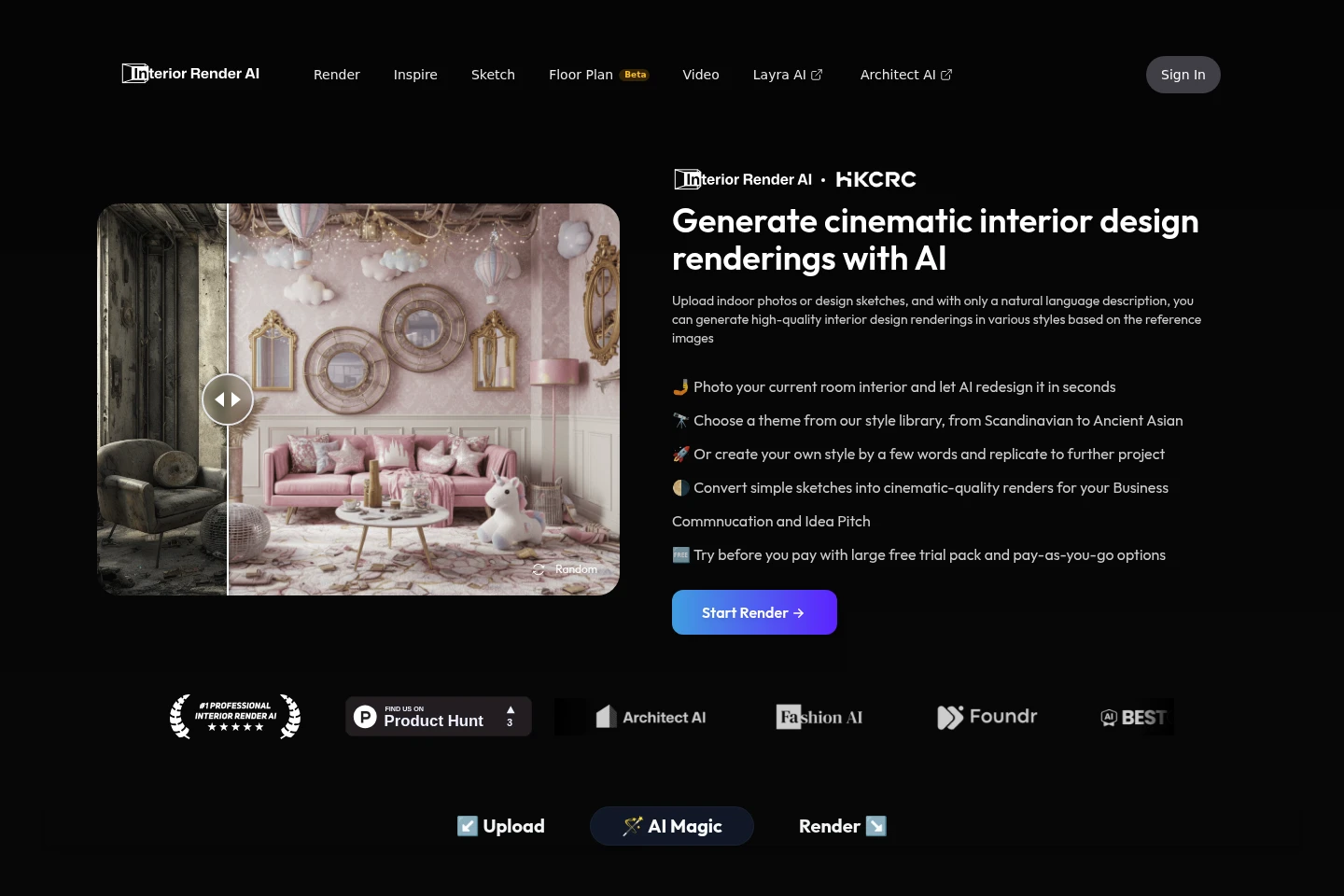
Interior Render AI allows users to create stunning, architect-quality interior design renderings in seconds. Simply upload a photo or sketch, choose a theme or describe your desired style, and let the AI generate cinematic-quality designs tailored to your vision. Enjoy the flexibility of a pay-as-you-go model with no subscription required, and explore a wide range of design styles from Scandinavian to Ancient Asian. Whether you're redesigning your own space or pitching ideas to clients, Interior Render AI provides the tools to bring your concepts to life with incredible precision and creativity.

  • Freemium
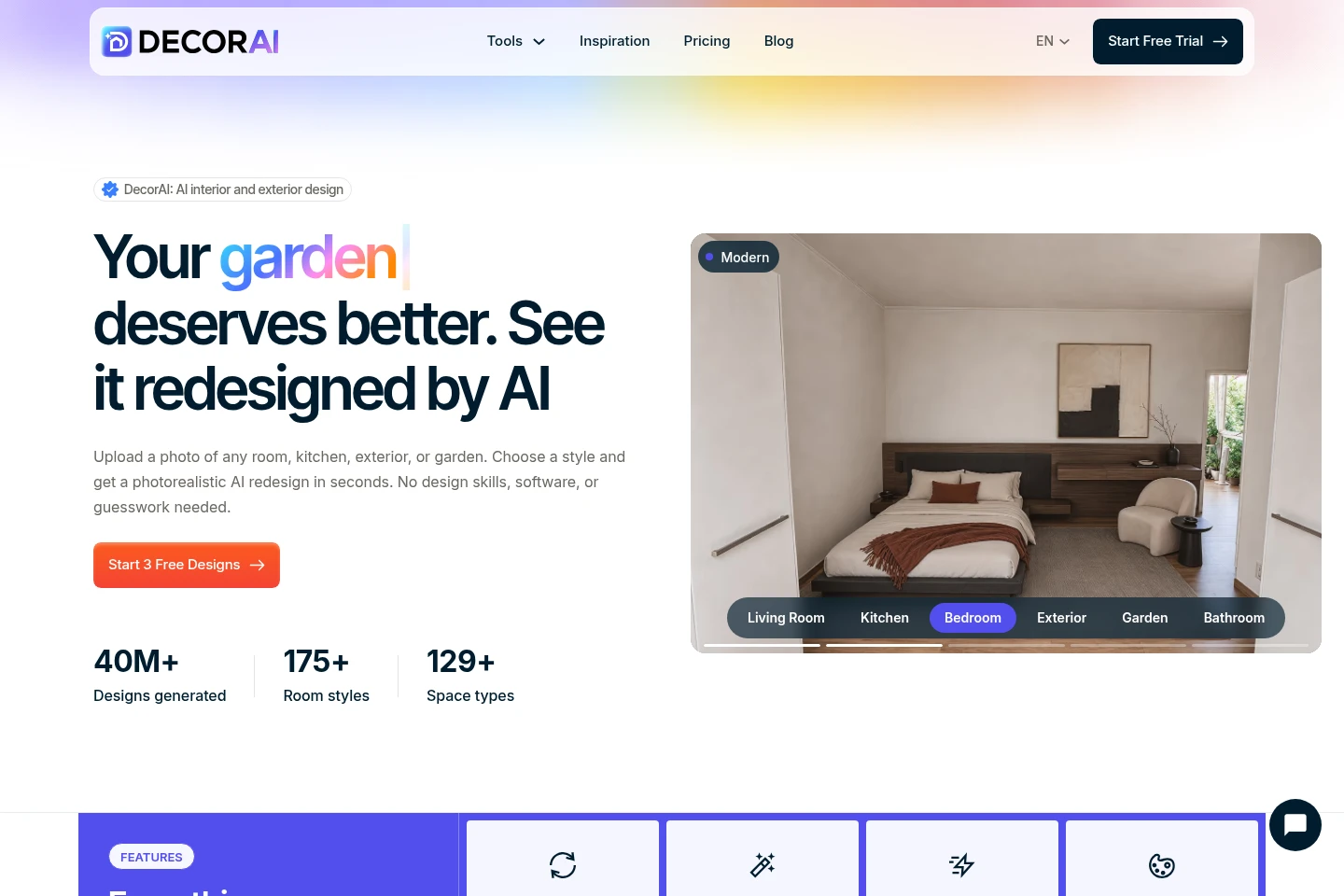
  1. DecorAI

    AI-powered interior design tool for instant space transformation

    Paid
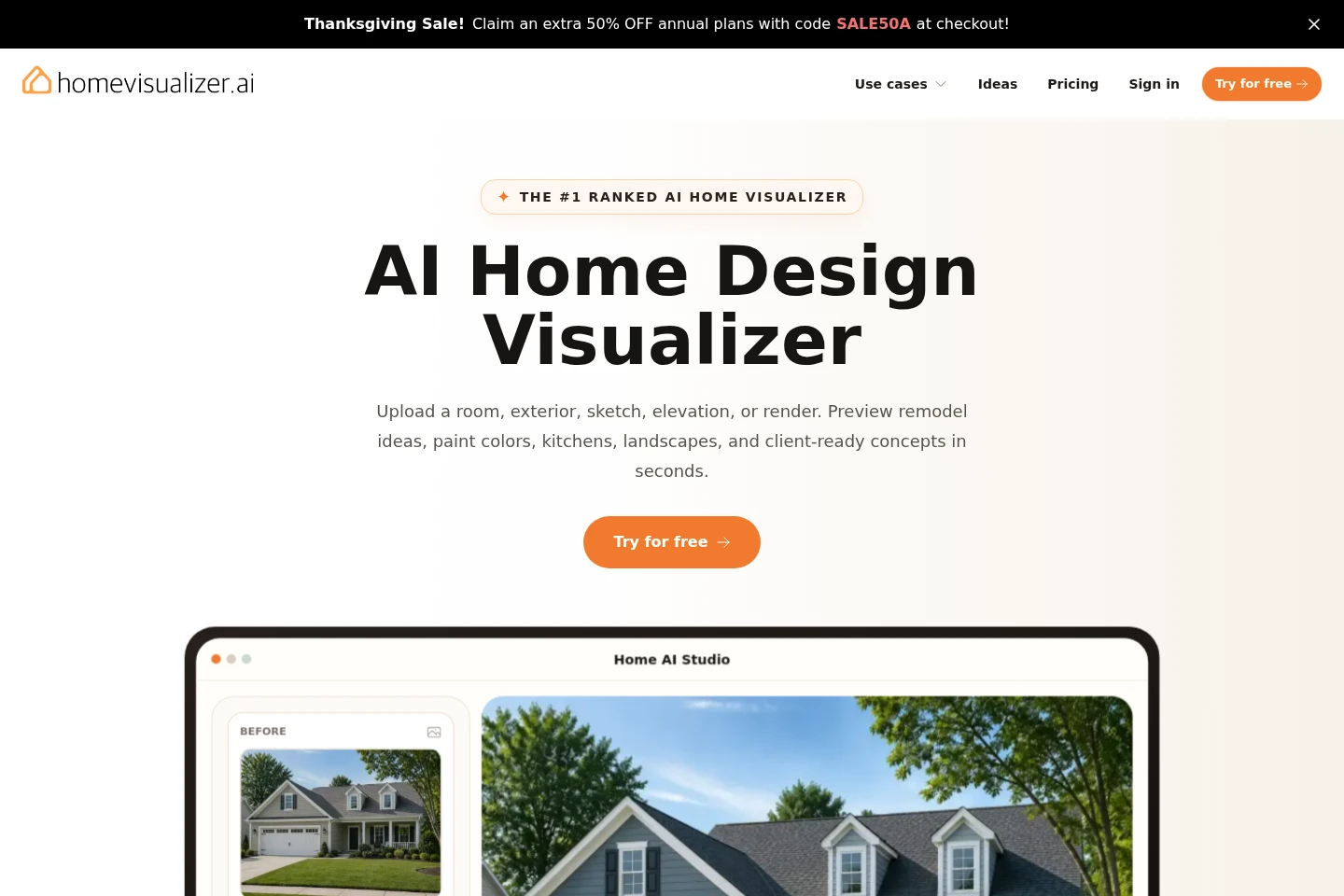
  2. Home Visualizer AI

    Transform your home with stunning AI-powered designs

    Freemium
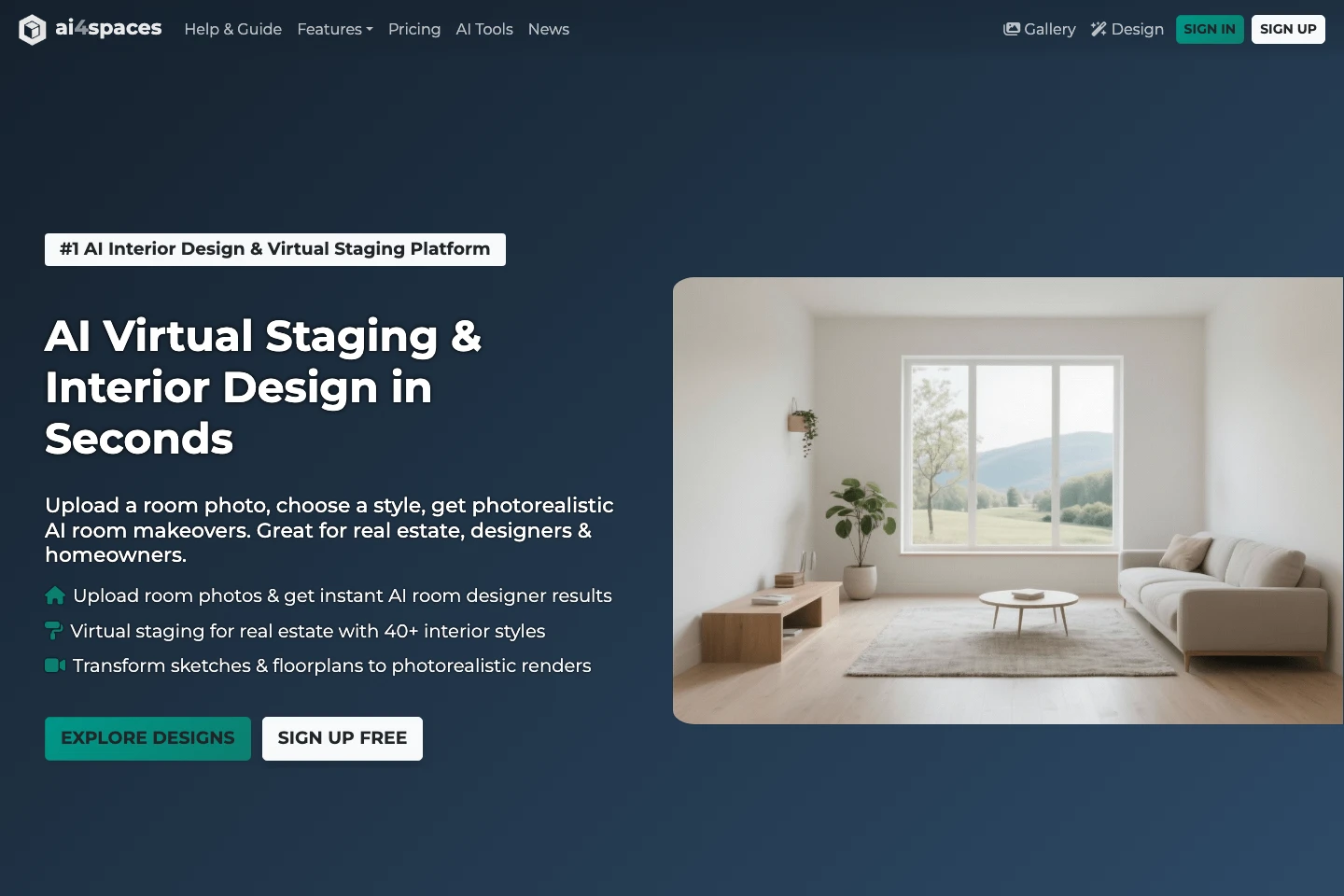
  3. ai4spaces

    Transform your space with cutting-edge AI tools for design.

    Freemium
  4. ROOMDESIGNER.AI

    Redesign rooms, exteriors, and gardens from photos with AI

    30 Credits · $9 per 30 credits
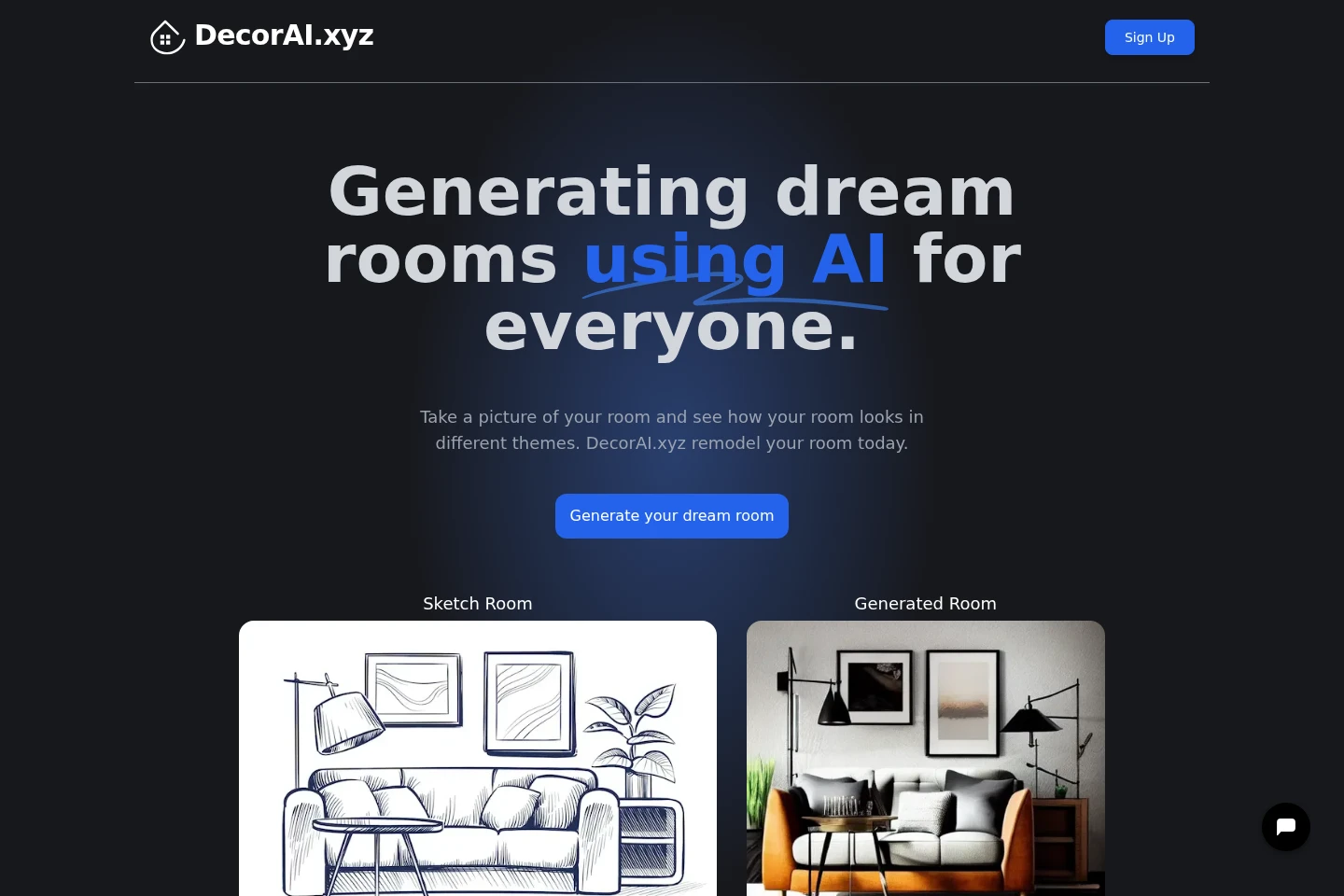
  5. DecorAI.xyz

    Generate room redesign concepts from a photo

    Contact Sales

Who it is for

  • Interior designers who need to visualize and refine room concepts for presentation.

  • Design professionals and agencies seeking monthly image, video, and interior redesign credits.

  • People planning a room update who want to preview styles from a photo of their space.

FAQ

What does Artevia do?

Artevia uses AI to redesign interior spaces from images. It also offers prompt-based edits, inpainting, video rendering, image upscaling, and interactive 3D previews.

How can I change a generated design?

You can describe the change in a prompt or use inpainting with brush strokes to guide edits. The page gives examples including changing furniture, layouts, colors, and themes.

Can I see a design in 3D?

Yes. Artevia offers an interactive 3D environment for redesigned spaces, where you can look around and move through the view.

What do the paid plans include?

Starter, Pro, and Studio include monthly credits for image generations and room redesigns, with video rendering and Style with Reality listed for each. Studio also lists priority support.

Comments

Please sign in to leave a comment.
No comments yet. Be the first to share your thoughts!