How It Works
"Ever felt like you're juggling five different apps just to get from messy notes to a polished report? There's a better way - meet There, the AI word editor that's changing how we create documents."
What is There? The AI-Powered Document Revolution
The Document Creation Struggle is Real
Let's face it - we've all been there. You start with scattered notes in one app, then move to another for drafting, a third for proofreading, a fourth for formatting, and finally yet another for sharing. By the time you're done, you've wasted hours jumping between tools and lost the flow of your original thought.
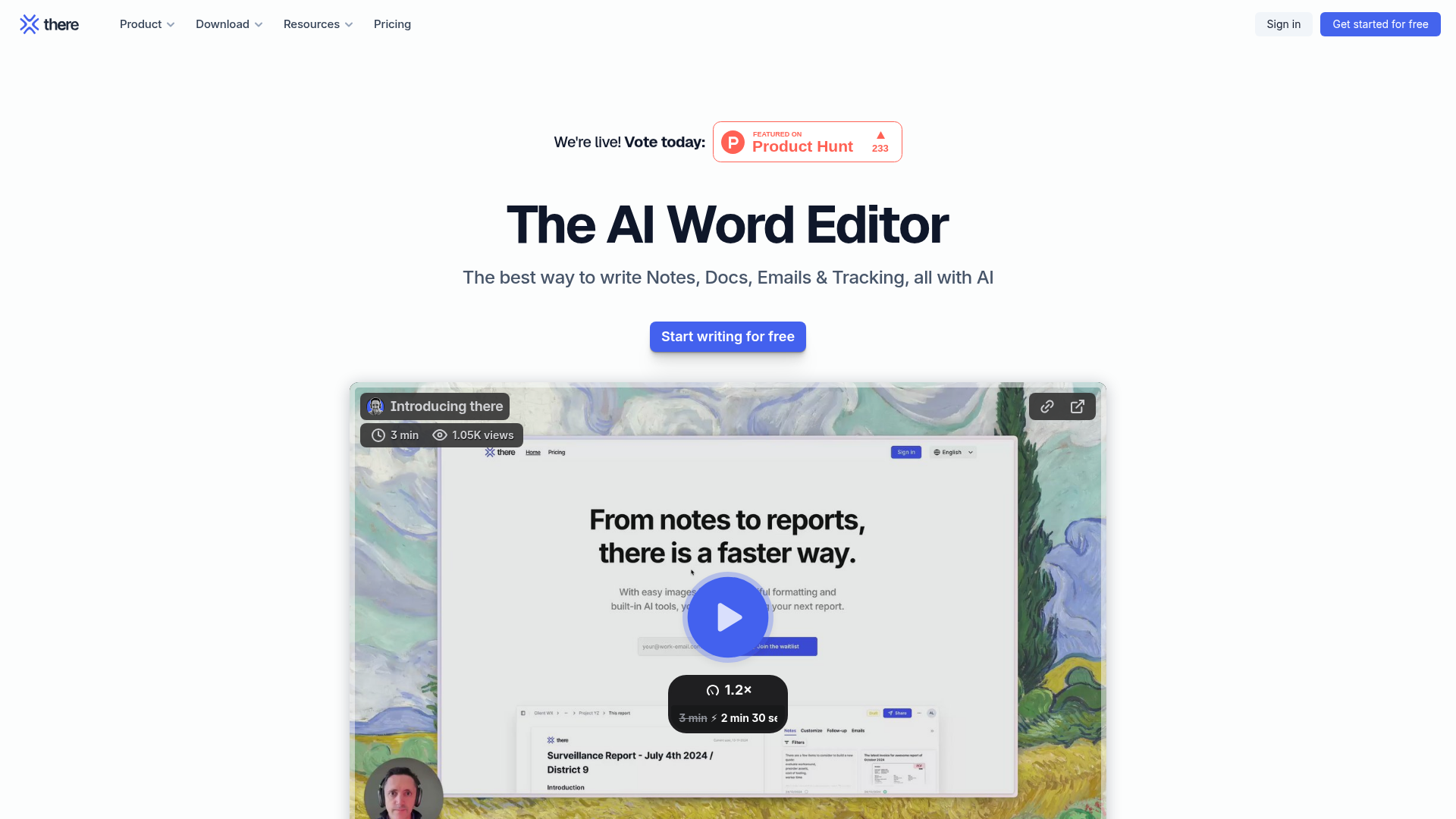
There solves this with a single, AI-powered workflow that handles everything from initial note-taking to final report sharing. It's like having a personal writing assistant who understands exactly what you're trying to create.
How There Works: Capture → Write → Share
📝 Notes & Documents in Perfect Harmony
There's split-view interface lets you:
- Take private or collaborative notes on one side
- Seamlessly drag content into your polished document on the other
- Maintain context while transforming rough ideas into professional content
✨ AI That Actually Helps You Write
There's AI doesn't just correct grammar - it:
- Transforms scattered notes into cohesive documents
- Proofreads while preserving your unique voice
- Harmonizes tone and layout across your entire document
- Generates professional drafts from multiple input sources
🖼️ Photo Galleries Made Effortless
- Drag & drop multiple images simultaneously
- Automatic layouts that actually look good
- Customize formats, add captions, reorder - all intuitively
Game-Changing Features You'll Love
✉️ Smart Email Drafting
There's AI can:
- Create engaging email drafts based on your document content
- Use the clever "This but..." feature for quick refinements
- Save you from staring at a blank email screen
🚀 One-Click Sharing
- Automatically handles PDF export and compression
- Uploads documents for sharing without manual steps
- Tracks when your report is delivered, opened and read
📱 Mobile-Optimized Reading
- Shows reading time estimates
- Provides comfortable mobile viewing
- One-tap AI summaries for quick comprehension
- Always available PDF download option
Why Teams Are Switching to There
According to recent industry data: ```mermaid pie title Document Creation Pain Points "Too many tools" : 42 "Formatting issues" : 28 "Collaboration friction" : 18 "Sharing difficulties" : 12 ```
There addresses all these challenges by:
- Consolidating tools - Replace 5+ apps with one solution
- Maintaining flow - Work stays in one continuous environment
- Being productive immediately - Intuitive from day one
The Future of Document Creation
As AI writing tools become more sophisticated, solutions like There are leading the charge by focusing on real user workflows rather than just adding AI features. The magic happens when technology enhances - rather than interrupts - how we naturally think and create.
"The best tools don't just add features - they remove friction. There understands that creating documents should be about your ideas, not about wrestling with software."
There is currently free to try (no credit card required) at there.do. Whether you're:
- A consultant creating client reports
- A student organizing research
- A team collaborating on proposals
- Anyone who hates wasting time on document formatting
...There might just become your new favorite productivity tool. Because when your tools get out of the way, your best work can shine through.
Features
- AI-powered document editing: Leverage AI to transform notes into professional documents with harmonized tone and layout.
- Collaborative note-taking: Take private or collaborative notes and seamlessly integrate them into documents.
- Photo galleries: Drag and drop multiple images for automatic layout customization.
- AI email drafting: AI drafts engaging emails based on shared documents, with refinement options.
- Effortless sharing: Share documents via email with automated PDF export and compression.
- Reading experience: Know reading time and enjoy a comfortable mobile reading experience.
- AI summaries: Generate quick summaries of long documents with a single tap.
- Activity tracking: Track when shared reports are delivered, opened, and read.




Comments