Monthly visits
12,147
2026-10
Monthly growth +188.8%

AgentSky - Run a team of AI agents across cloud, Mac, API, and chat.

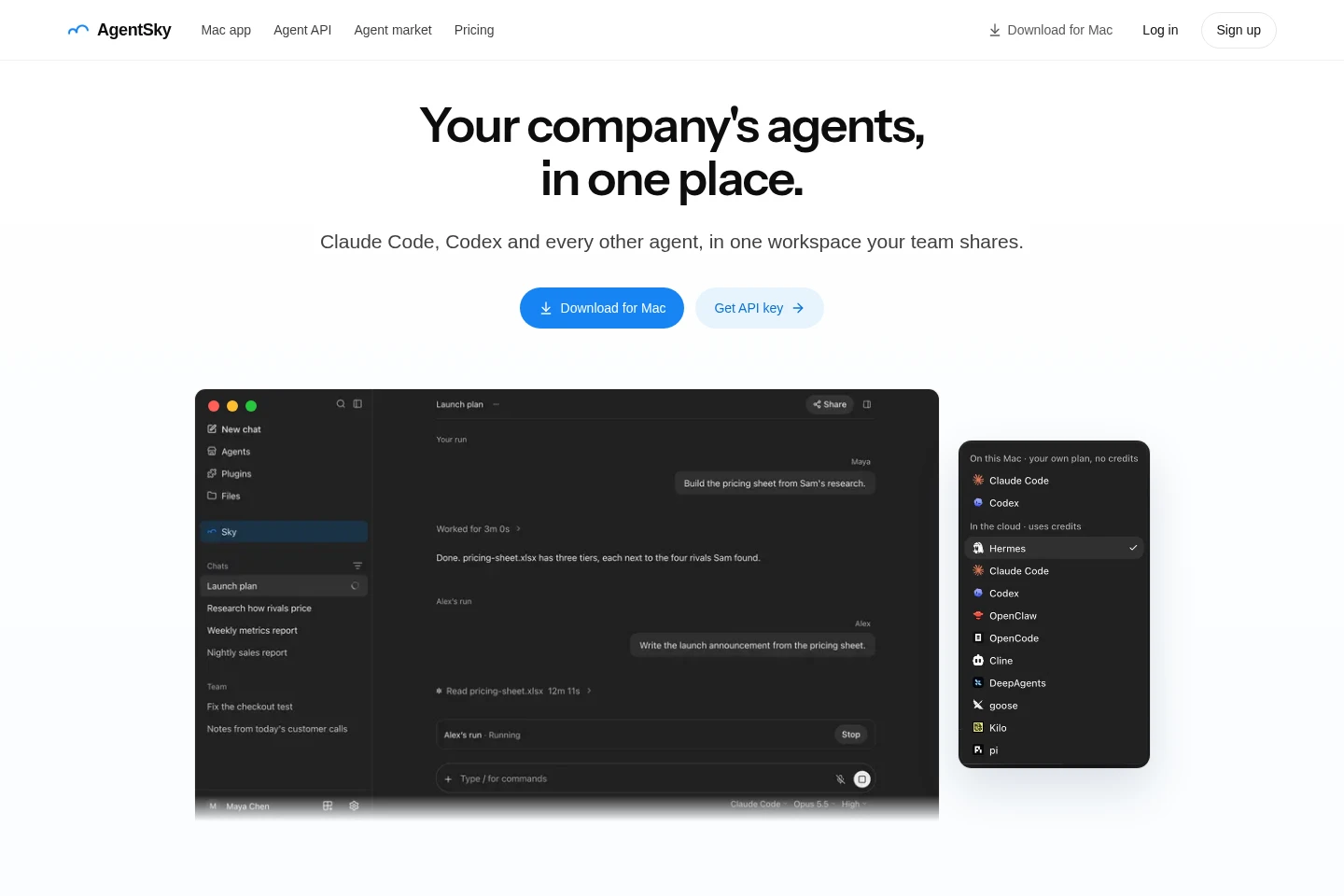
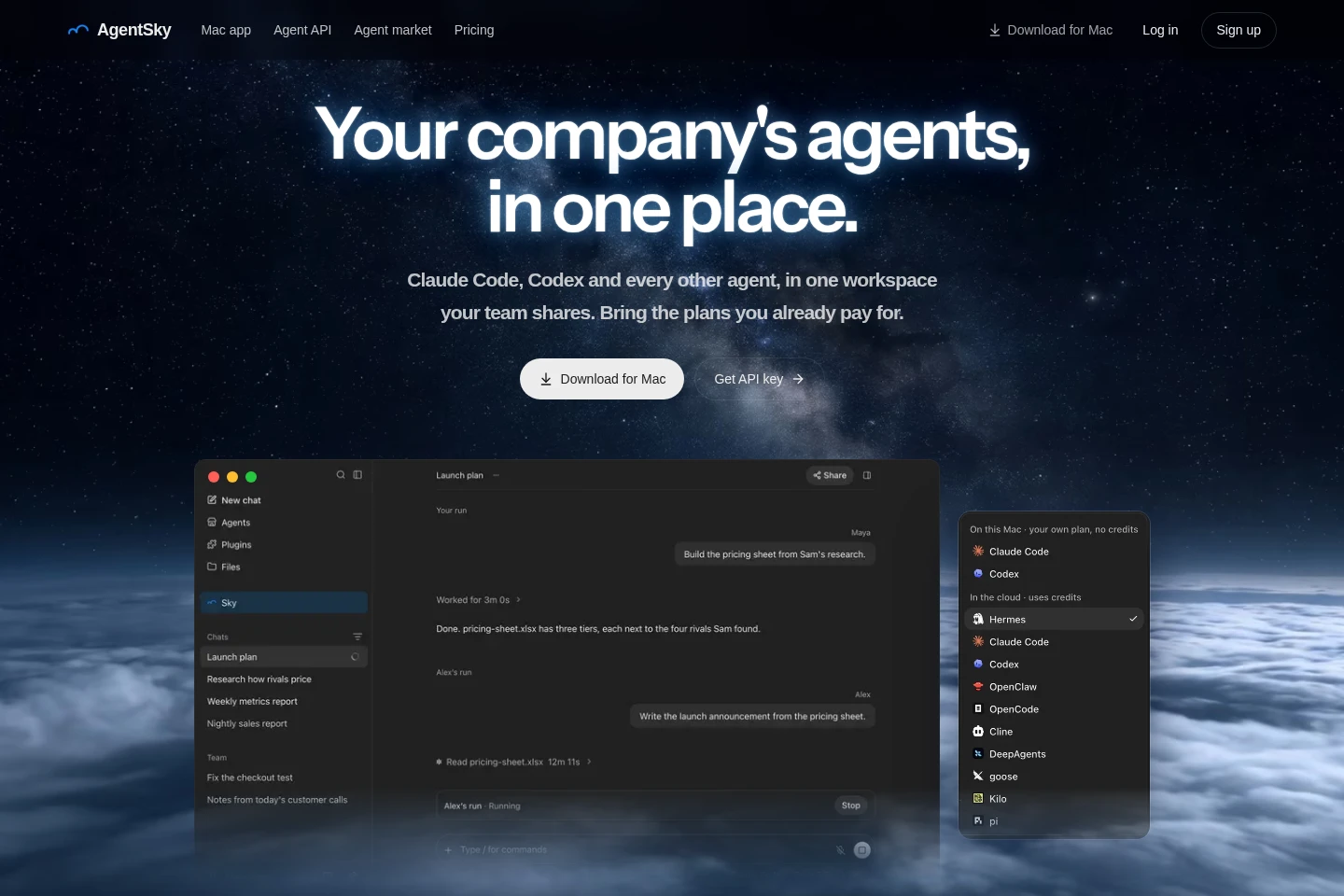
AgentSky lets you run a team of agents with different models, tools, and app integrations. Start tasks in a browser workspace, use the developer API, connect messaging channels, or run Claude Code and Codex in the Mac app. Cloud tasks use prepaid credits for model tokens and awake compute; eligible subscriptions can cover model use.

Visit WebsiteUpdate this product

1Views

Capabilities

Agent team orchestration

Route a goal across agents and return their work. Sky assigns parts of a task to agents, checks the work, and reports back; available agents and models can be selected for the work.

Cloud agent runtime

Run agent tasks in the cloud and keep work going when a Mac cannot continue. Cloud compute is billed per second while awake, suspends when idle, and costs nothing while parked.

Model and tool access

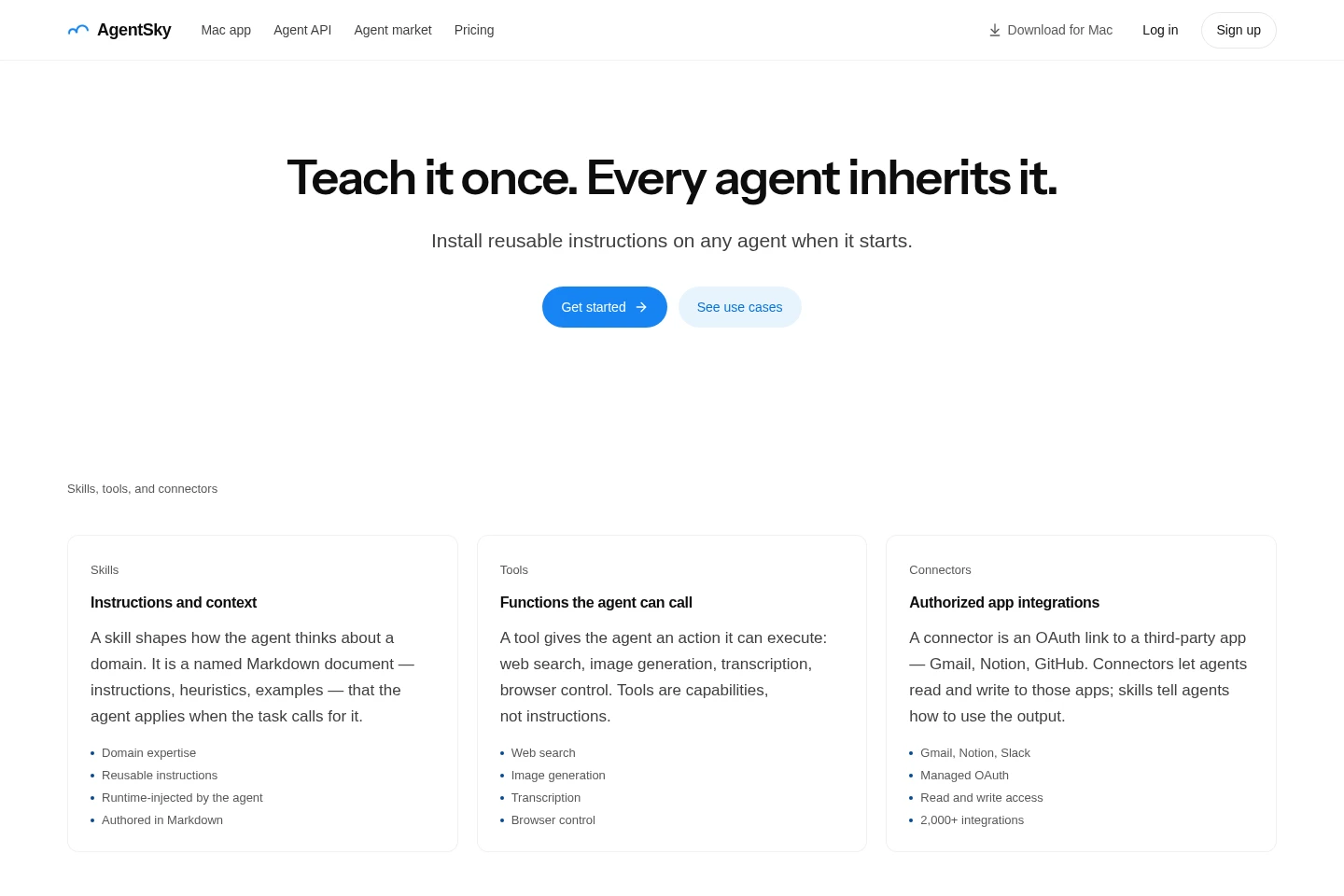
Use agents with supported models, tools, and app integrations. Connectors can read and write authorized third-party apps, while tools provide actions such as web search, transcription, and browser control.

Developer API

Send agent tasks through the AgentSky API from code or another agent. Get an API key and follow the published documentation for request formats, authentication, and response handling.

Reusable agent skills

Attach reusable instructions and context to agents. Upload a Markdown bundle, copy its install URL, and pass it to an agent at boot so matching instructions can be injected at runtime.

Messaging channels

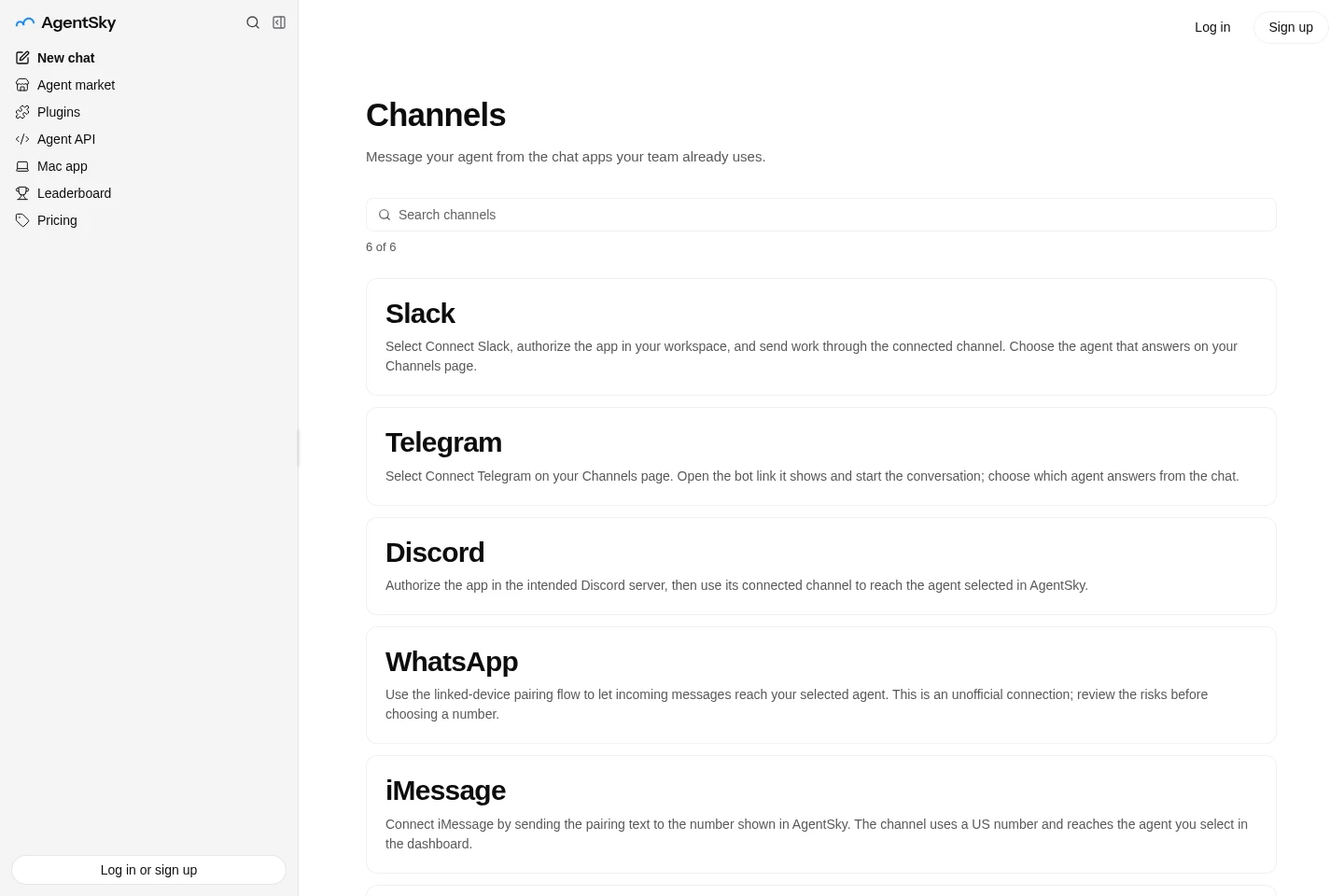
Reach a selected agent through supported chat apps. Connect or pair a channel and choose its answering agent in AgentSky; each channel has its own setup and permissions.


Pricing

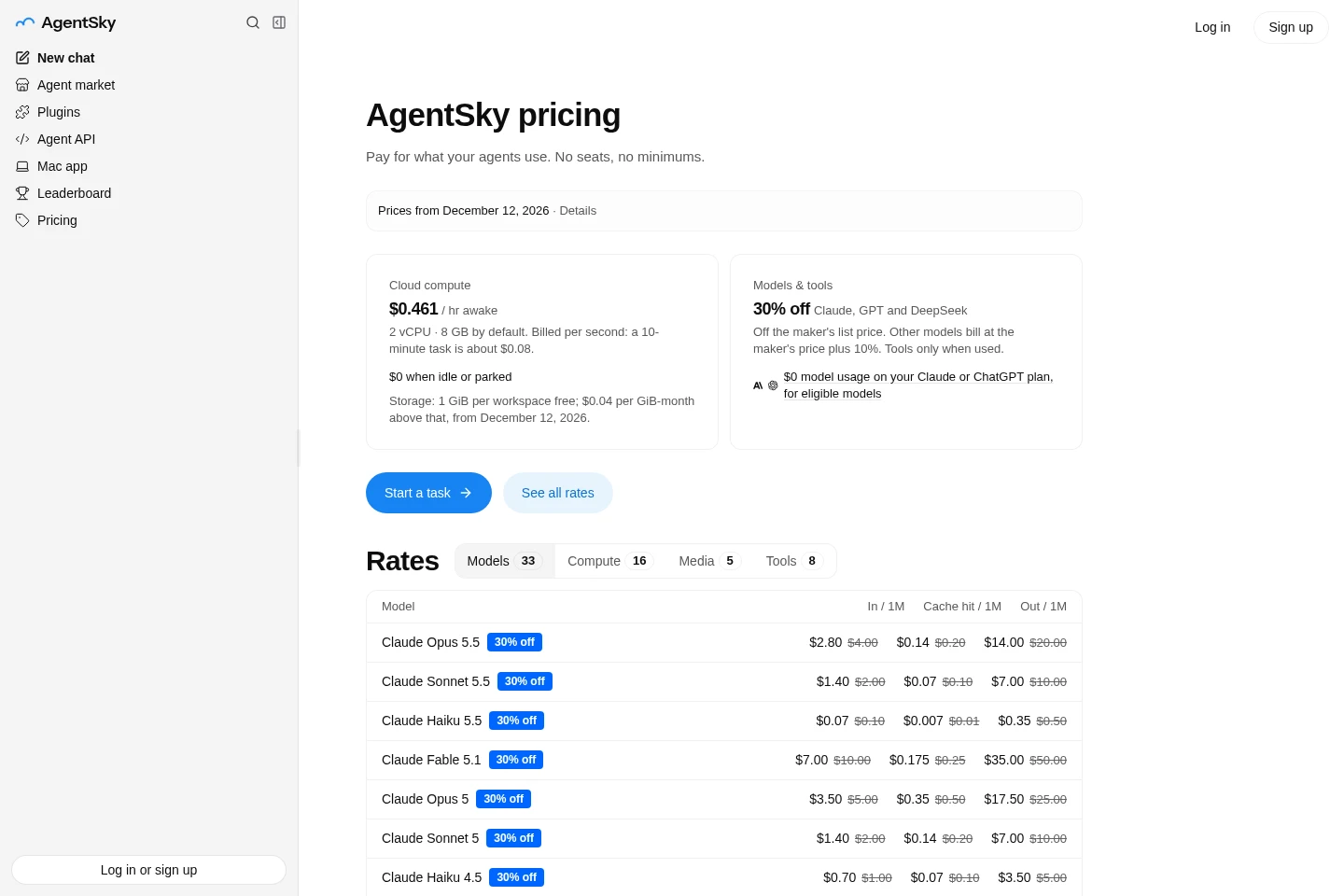
AgentSky has no seat fees or minimums; cloud use is billed from prepaid credits. Compare model token rates, awake compute, and any storage above the included workspace allowance. Mac runs using your own Claude or ChatGPT plan do not use AgentSky credits.

Cloud credit top-ups start at $10. Card top-ups pass through Stripe's fee of 2.9% plus $0.30. Compute is $0.461 per hour awake, billed per second, and $0 while idle or parked. The listed pricing page states rates from December 12, 2026; stored data above 1 GiB per workspace is priced at $0.04 per GiB-month from that date.

Use cases

Delegate a multi-step task to agents

When a task can be divided into parts, give Sky the goal and let it route work to appropriate agents, check their work, and report the result. Available agents and models depend on the choices in AgentSky.

Continue agent work in the cloud

When a Mac cannot keep running a task, use the cloud runtime to continue the chat. Cloud compute is metered while the machine is awake, suspends when idle, and is free while parked.

Integrate an agent into an application

When building a code-based workflow, obtain an AgentSky API key and send tasks from code or another agent. The developer documentation describes authentication, request formats, and response handling.

Message an agent from a chat app

When a team wants to contact an agent through its existing messaging app, connect or pair a supported channel and select the answering agent in the dashboard. Channel authorization does not grant access to unrelated apps.

Limitations

  • Cloud agents use prepaid credits, with top-ups starting at $10; Mac runs using a personal Claude or ChatGPT plan can start without a card.

  • Compute is charged while the agent machine is awake; idle time suspends automatically, and parked machines cost $0.

  • Using a connected Claude or ChatGPT plan for $0 model usage is limited to eligible agents and models; compute remains metered.

  • WhatsApp connection uses unofficial linked-device pairing, so the page advises reviewing the risks before choosing a number.

  • The iMessage channel uses a US number.

Alternatives

AgentSky

Run agent teams across cloud, Mac, browser, API and chat

AgentSky brings AI agents, models and plugins into a shared workspace. Delegate tasks to agents in the browser, use the Agent API or supported chat apps, and continue eligible Mac sessions in the cloud. Cloud work uses prepaid credits for compute, model and tool usage; Mac runs can use your own provider plan.

  • Cloud
  • API
  • Paid
  1. Skydive

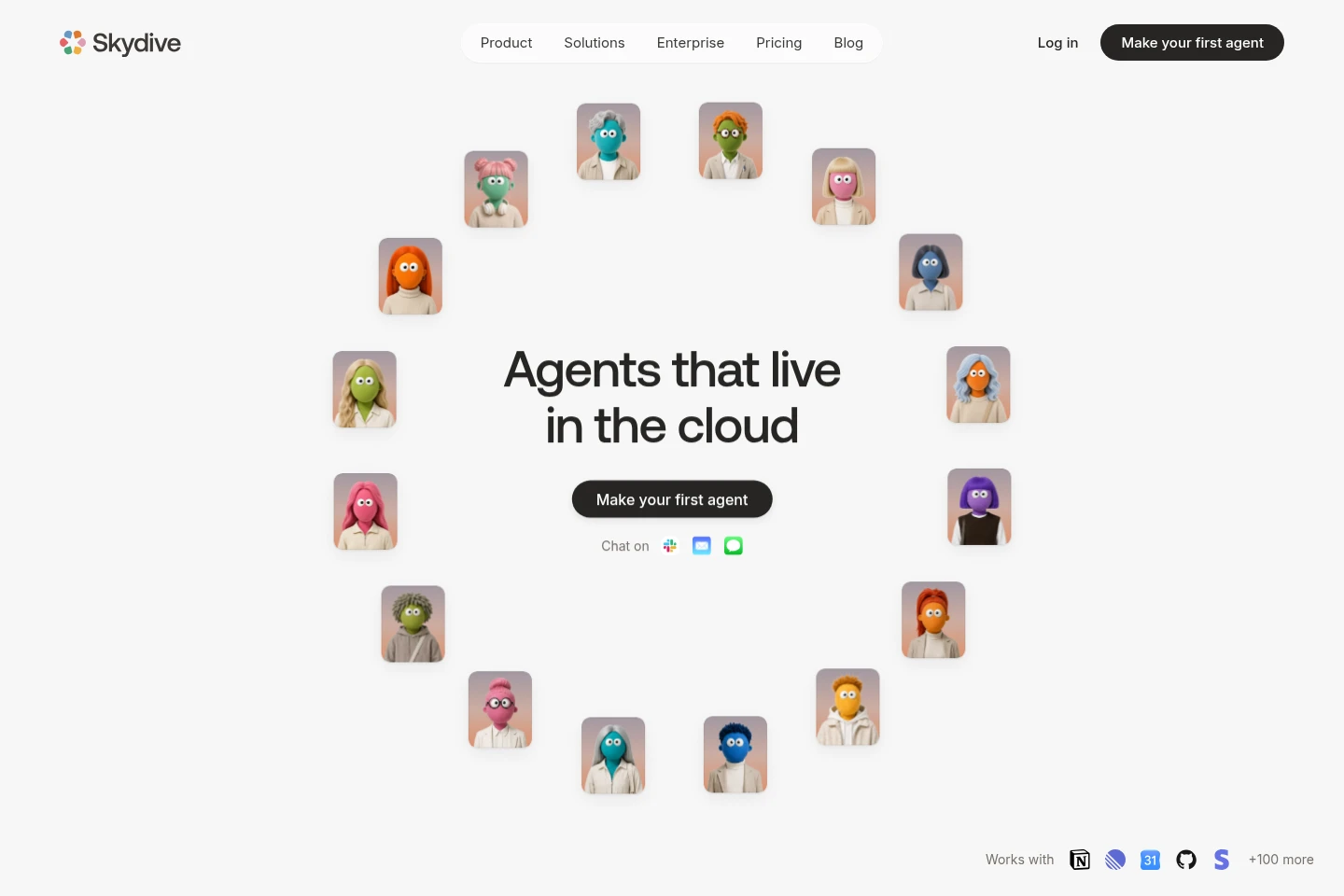
    Cloud AI agents that work across websites and team tools

    Starter · $20/month
  2. Skyflo

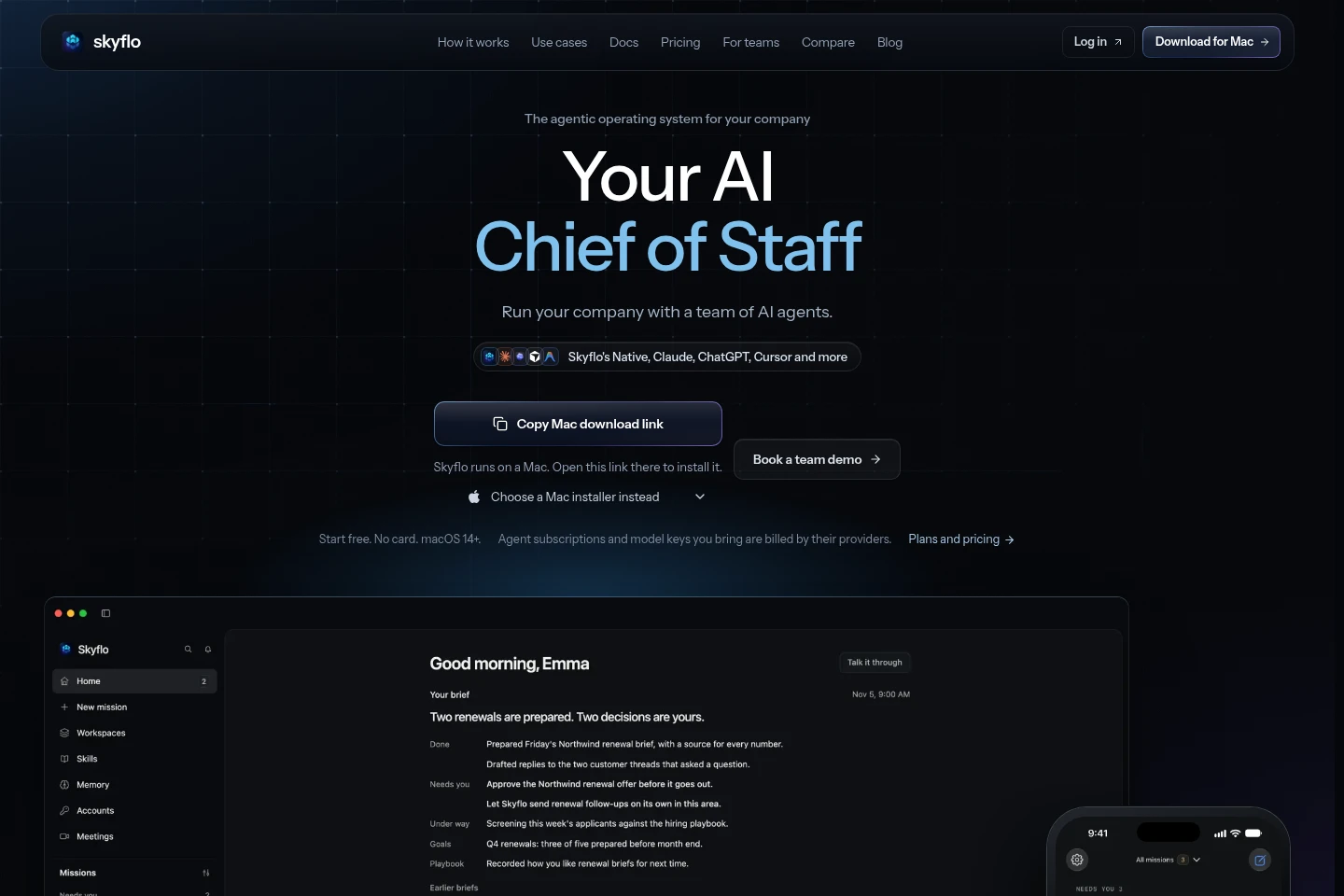
    Coordinate AI agents and review company work on your Mac

    Free · $0; free plan
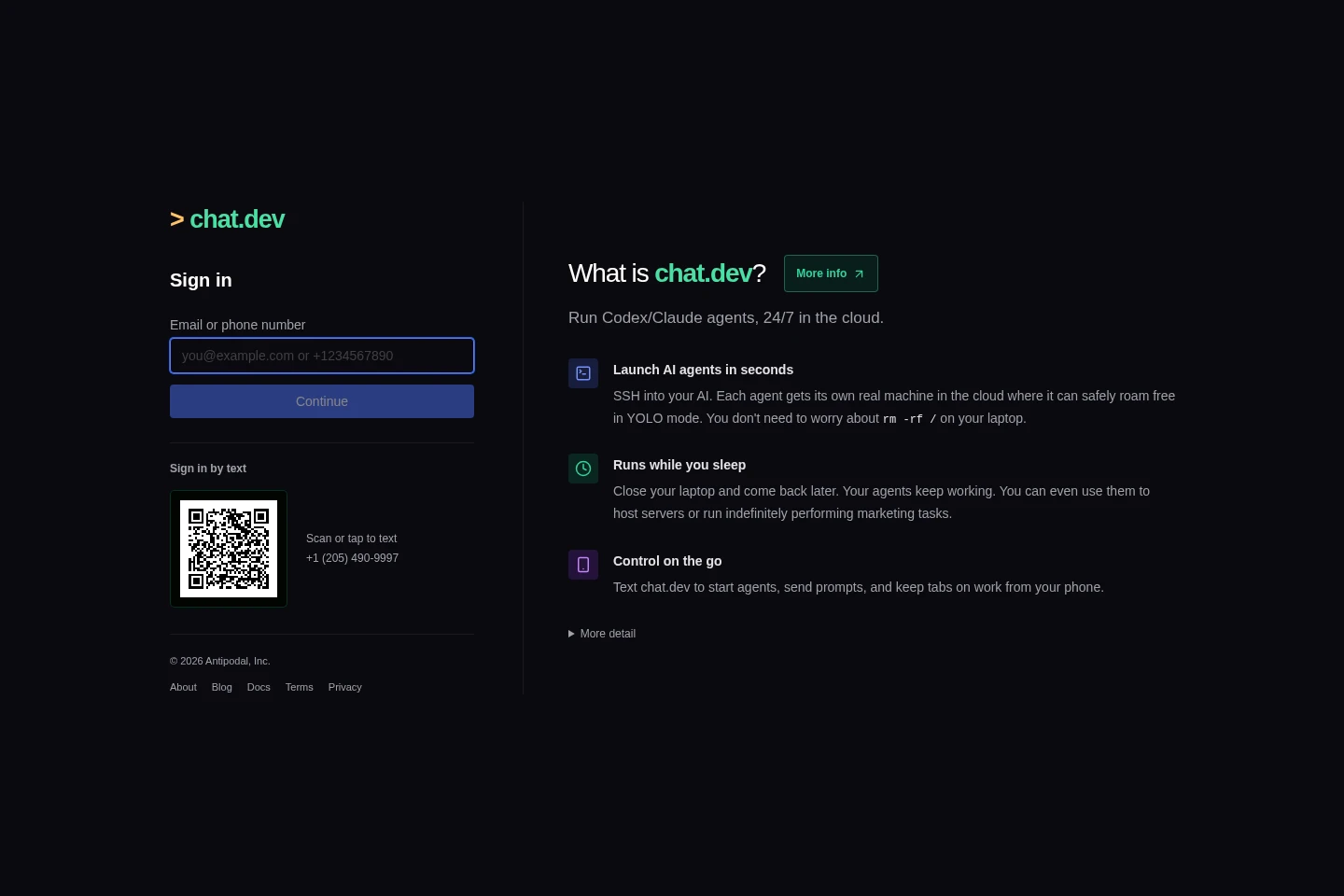
  3. chat.dev

    Persistent cloud computers for AI agents

    Free · $0.00/mo
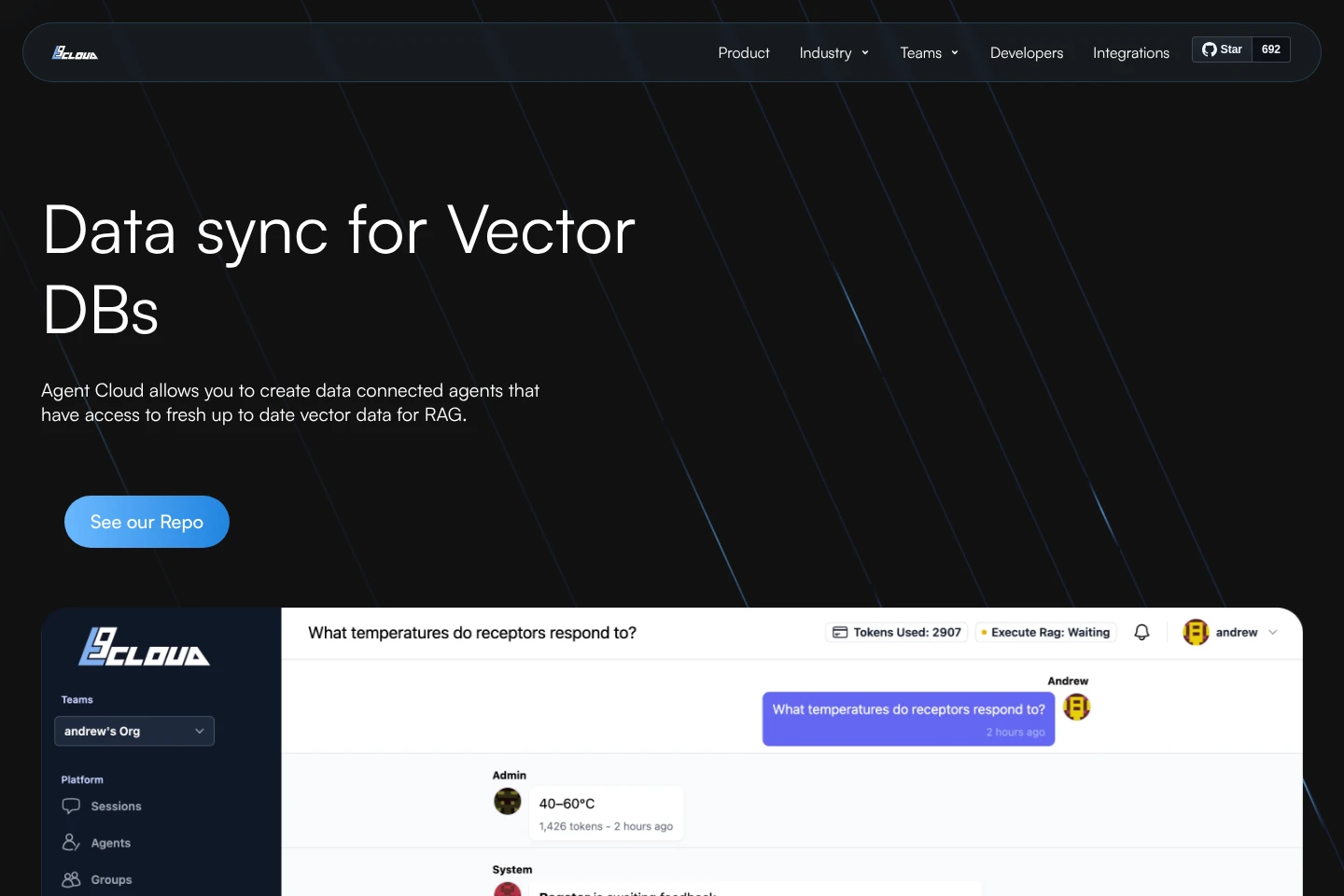
  4. Agent Cloud

    Build private AI apps that connect to company data

    Freemium
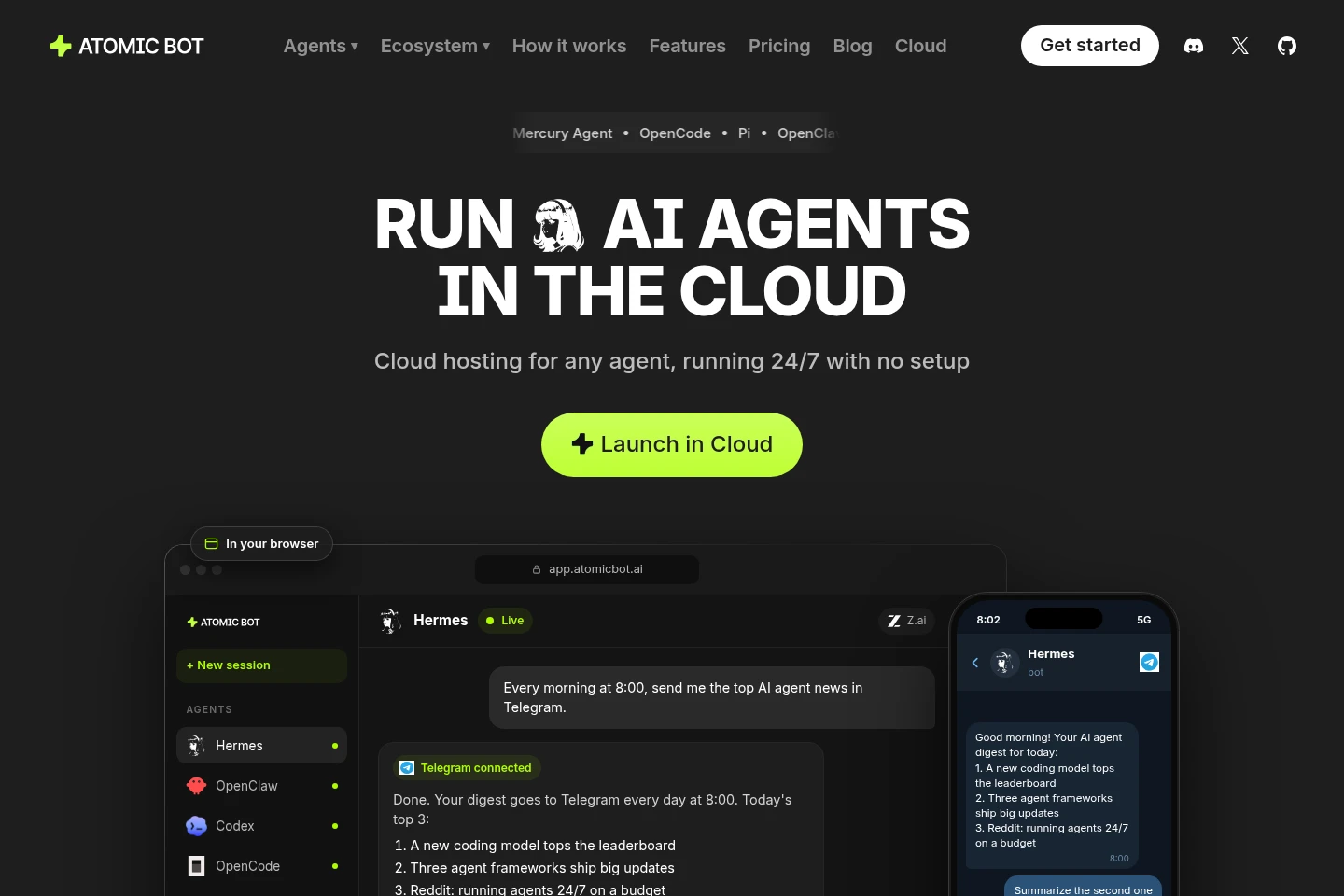
  5. Atomic Bot

    Run AI agents in the cloud, ready around the clock

    Free

Who it is for

  • Developers integrating agent tasks into code or applications

  • Mac users who want Claude Code or Codex to run on their own computer

  • Teams coordinating agent tasks and sharing chats or workspace spending

FAQ

What is AgentSky?

AgentSky provides a team of agents with models and plugins for the apps and tools they use. Use them in a browser workspace, through the API, in the Mac app, or from supported messaging apps.

Do I need to install anything?

No, cloud agents can run in the browser workspace. On a Mac, the AgentSky Mac app can run Claude Code and Codex locally, and a chat can move to the cloud when the Mac cannot continue.

How do I use an agent from code?

Get an API key in the Agent API section, then use the API message and documentation. The docs describe request formats, authentication, and response handling.

How are cloud agents billed?

Cloud agents use prepaid credits, topped up from $10. Charges cover model tokens and compute while awake; compute suspends when idle and costs $0 while parked.

Can I use my Claude or ChatGPT plan?

Yes, for eligible agents and models. Connect a supported plan in Settings; model use covered by that plan costs $0, while models it does not serve use credits and compute is still metered.

Does connecting a chat channel authorize my other apps?

No. Channel installation only connects the messaging surface. Configure application connectors and their permissions separately to grant access to other systems.

Comments

Please sign in to leave a comment.
No comments yet. Be the first to share your thoughts!