Monthly visits
1,868
2026-10
Monthly growth -17%

Agen - Cloud AI agents turn coding tasks into reviewable pull requests

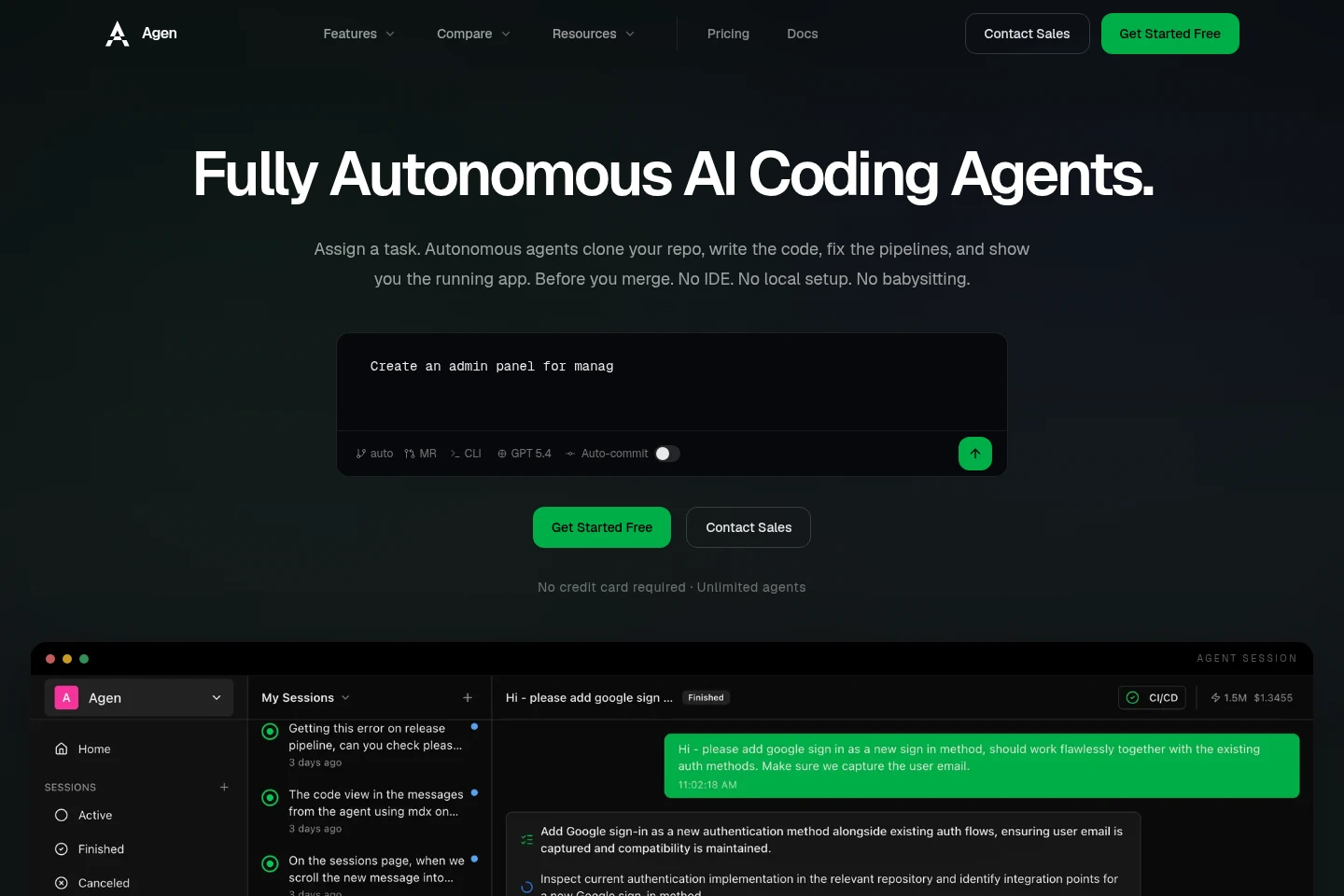
Agen runs autonomous AI coding agents in the cloud. Describe a task in plain English; agents clone connected repositories, write code, run pipelines, fix failures, and prepare pull requests with live app previews. Work across frontend, backend, and infrastructure repositories in one session, then review changes in a browser before merging.

Visit WebsiteUpdate this product

1Views

Capabilities

Autonomous coding tasks

Agents turn a plain-English task into code changes and a prepared pull request. They clone connected repositories, explore the codebase, write code, and run services in cloud sandboxes without local setup.

Multi-repo sessions

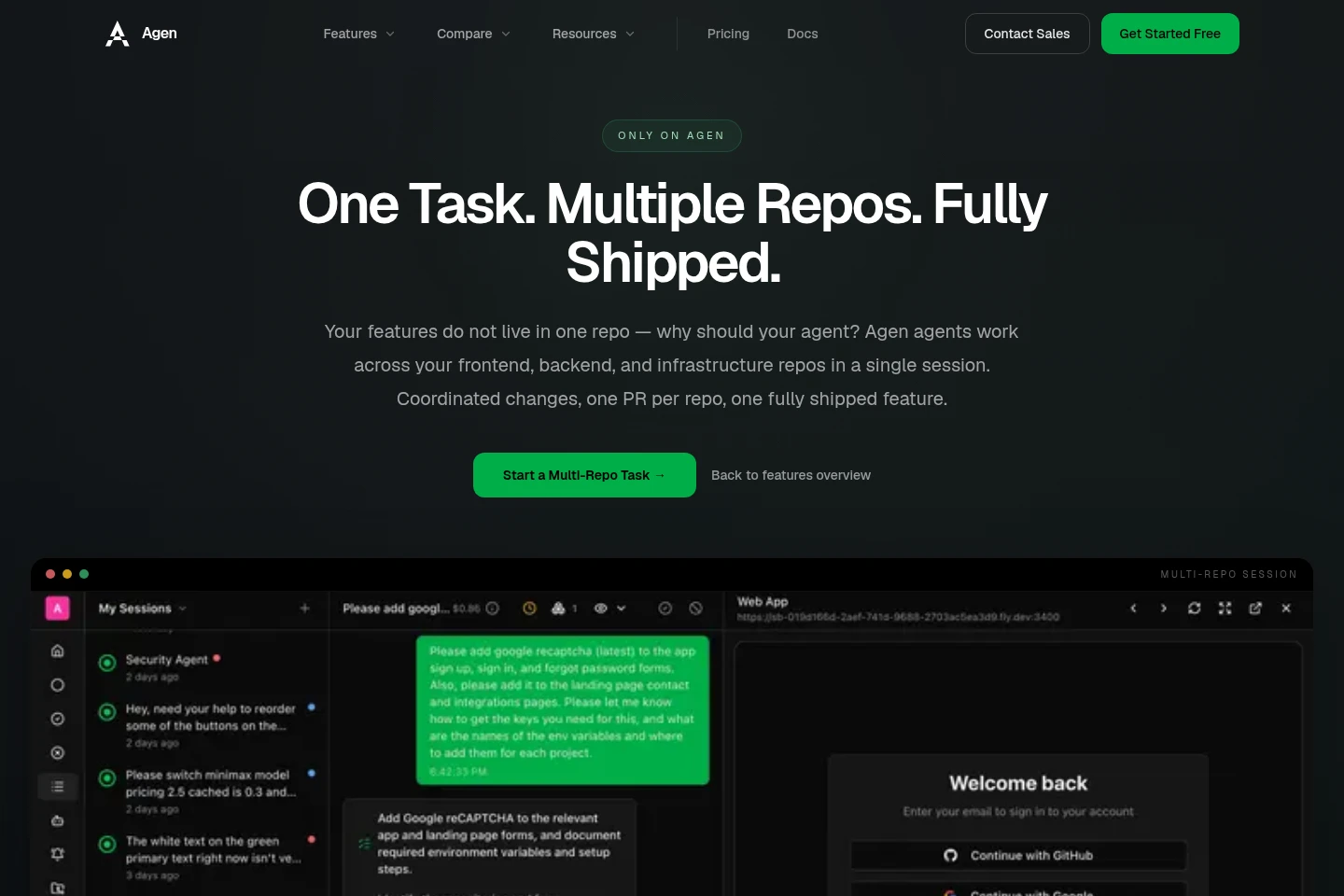
A single task can coordinate work across frontend, backend, and infrastructure repositories. Agen creates changes across the connected repositories and prepares one pull request per repository.

Self-fixing pipelines

Agents inspect CI failure logs and attempt fixes before rerunning the pipeline. The feature applies when a pipeline fails during an agent task; changes remain on separate branches for review.

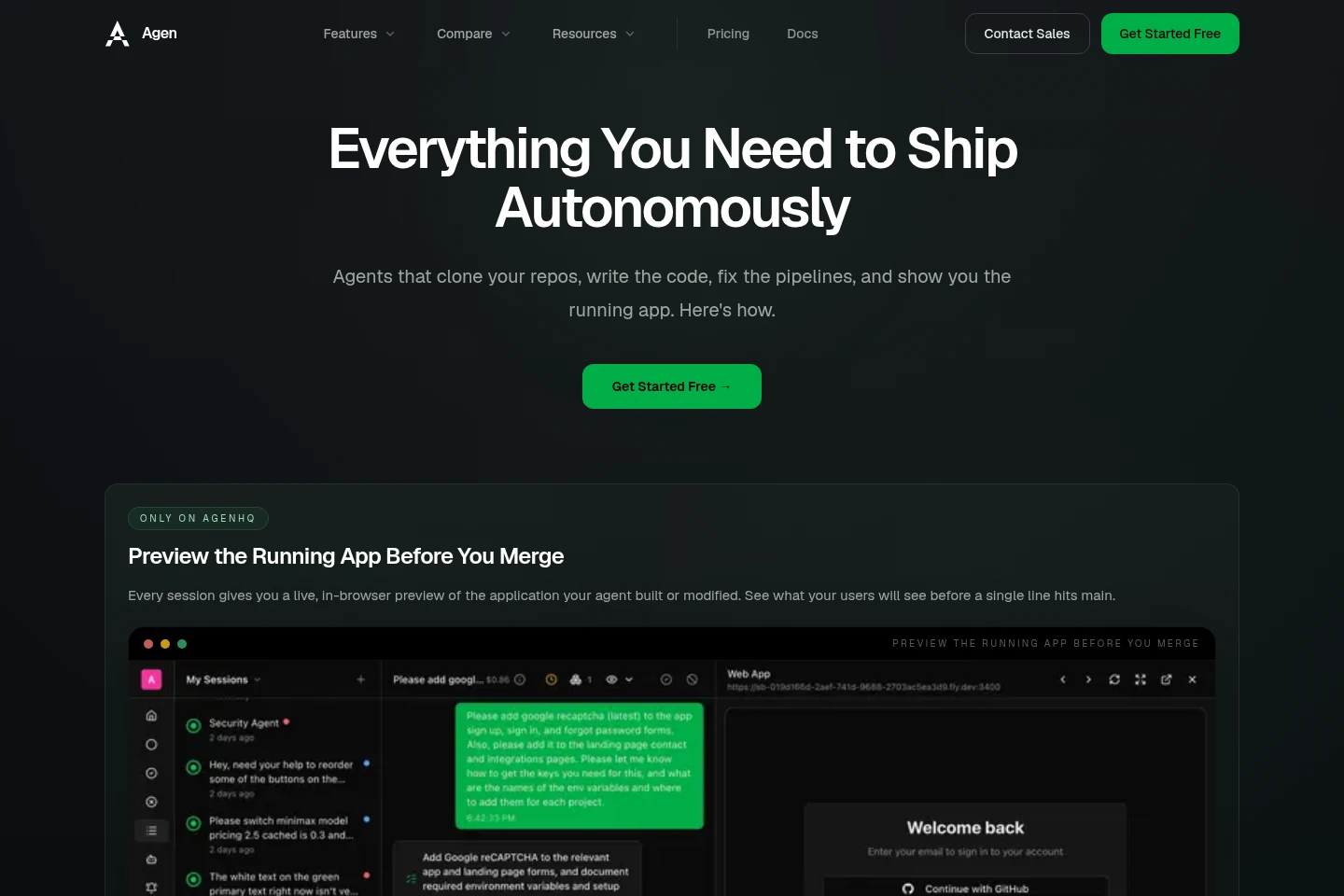
Live app previews

Agen provides a running app preview for review before a pull request is merged. Previews can show frontend, backend, and infrastructure changes together, and are available with all listed plans.

Scheduled Agents

Scheduled Agents run recurring tasks with budget limits. The Pro and Scale plans list this capability; the pricing page does not specify the schedule options or limit amounts.

PricingFreemium

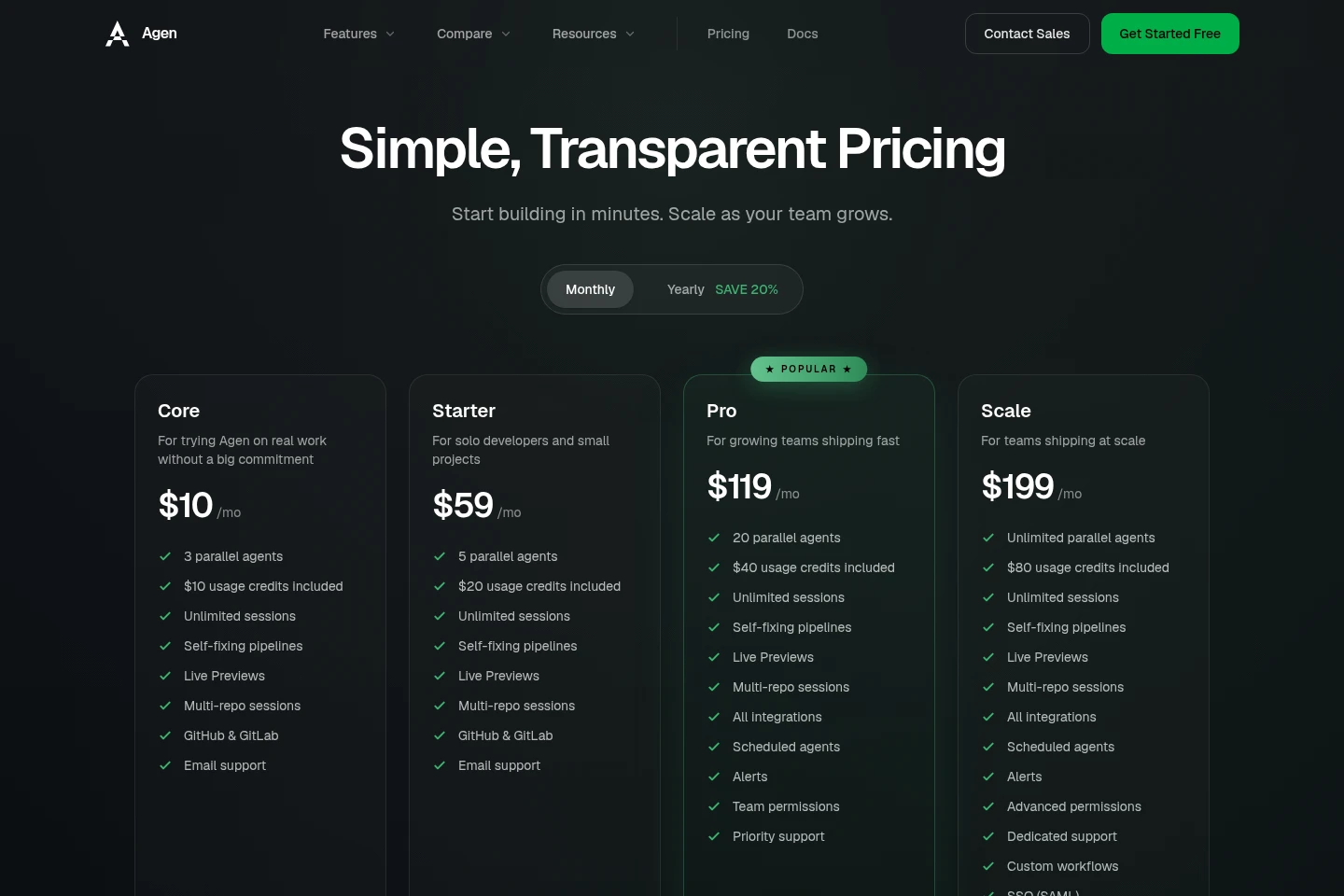
Agen offers a free signup credit and four paid monthly plans. Compare included usage credits, parallel-agent limits, integrations, scheduled agents, alerts, permissions, and support to choose a plan.

PlanPriceIncluded features and limits
Core

$10/mo

  • 3 parallel agents

  • $10 usage credits included

  • Unlimited sessions

  • Self-fixing pipelines and live previews included

  • Multi-repo sessions; GitHub and GitLab

  • Email support

Starter

$59/mo

  • 5 parallel agents

  • $20 usage credits included

  • Unlimited sessions

  • Self-fixing pipelines and live previews included

  • Multi-repo sessions; GitHub and GitLab

  • Email support

Pro

$119/mo

  • 20 parallel agents

  • $40 usage credits included

  • Unlimited sessions

  • Self-fixing pipelines and live previews included

  • All integrations; scheduled agents and alerts

  • Team permissions; priority support

Scale

$199/mo

  • Unlimited parallel agents

  • $80 usage credits included

  • Unlimited sessions

  • Self-fixing pipelines and live previews included

  • All integrations; scheduled agents and alerts

  • Advanced permissions; dedicated support, custom workflows, and SSO (SAML)

Signup includes $20 in free credits and does not require a credit card. Paid plans can be canceled anytime. The pricing page advertises a yearly option with 20% savings but does not show yearly prices in the supplied plan details.

Use cases

Turn a repository task into a pull request

When a developer or teammate has a code change to make, they describe the task in plain English and connect a repository. An agent explores the code, writes the changes, runs the pipeline, and prepares a pull request with a preview for review.

Coordinate changes across connected repositories

When a feature requires updates to frontend, backend, and infrastructure code, users assign one task in a multi-repo session. Agen coordinates the work and prepares a separate pull request for each repository.

Investigate and fix a failed CI pipeline

When CI fails during an agent task, the agent reads the pipeline logs and attempts to fix the failure. It queues a rerun, while the resulting changes stay on a separate branch for a team member to review.

Schedule recurring repository maintenance

When a team wants recurring repository tasks, it can use Scheduled Agents to run them with budget limits. The feature is listed for Pro and Scale, and the resulting work can be reviewed through the normal pull request workflow.

Limitations

  • An agent works on a separate branch rather than the main branch, and a team member must approve changes before they are merged.

  • Scheduled Agents are listed only for Pro and Scale; Core and Starter do not list this feature.

  • The pricing page states that scheduled tasks have budget limits but does not specify the limit amounts.

Alternatives

ADE — Agentic Development Environment

Orchestrate AI coding agents across your machines

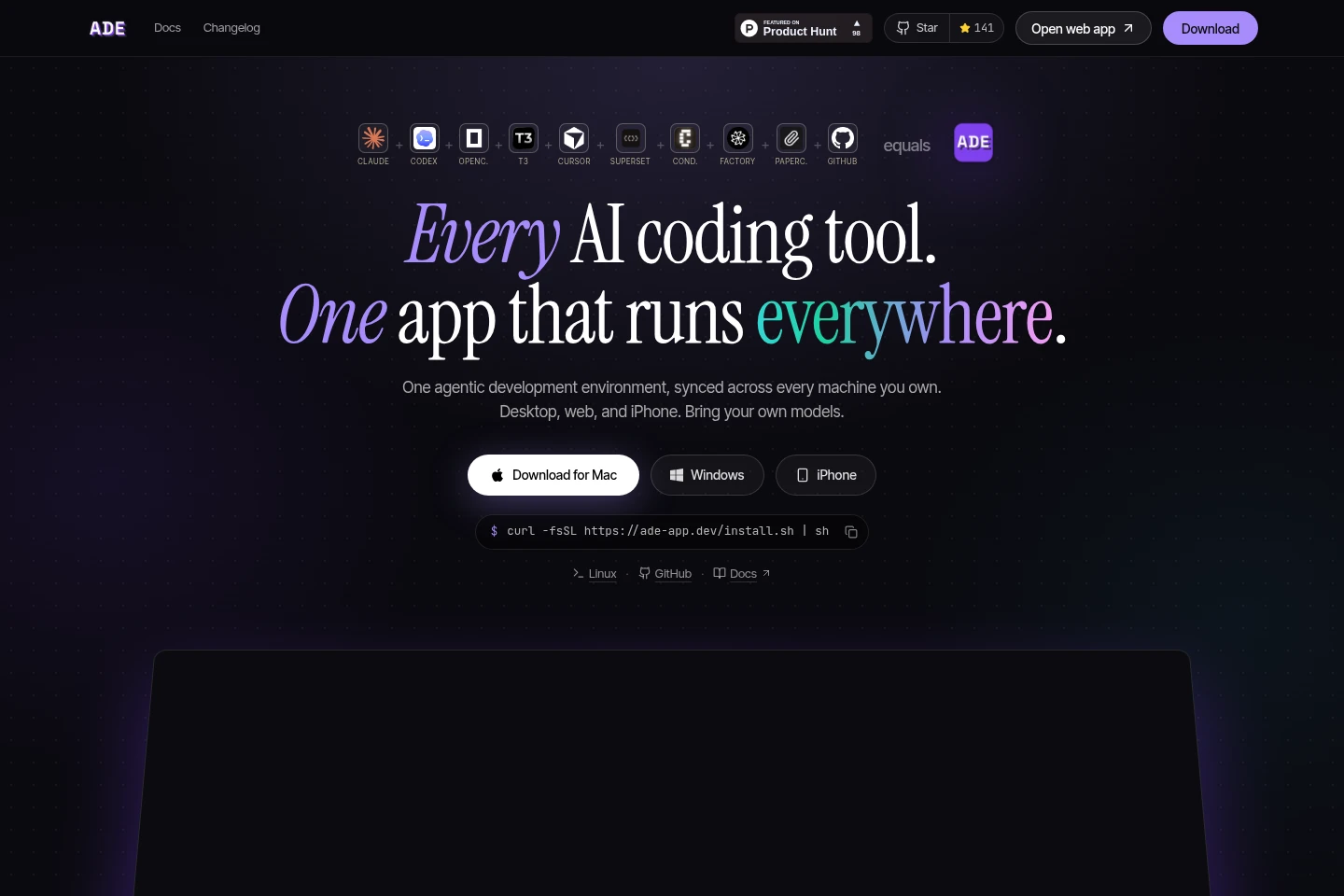
ADE is a local-first environment for orchestrating AI coding agents across desktop, web, and iPhone. It provides isolated Git worktrees, built-in development tools, pull-request workflows, automations, and access to more than 200 model providers. ADE can connect to agents and models you already use, and its web app can control machines and agents from a browser.

  • Self-hosted
  • Free
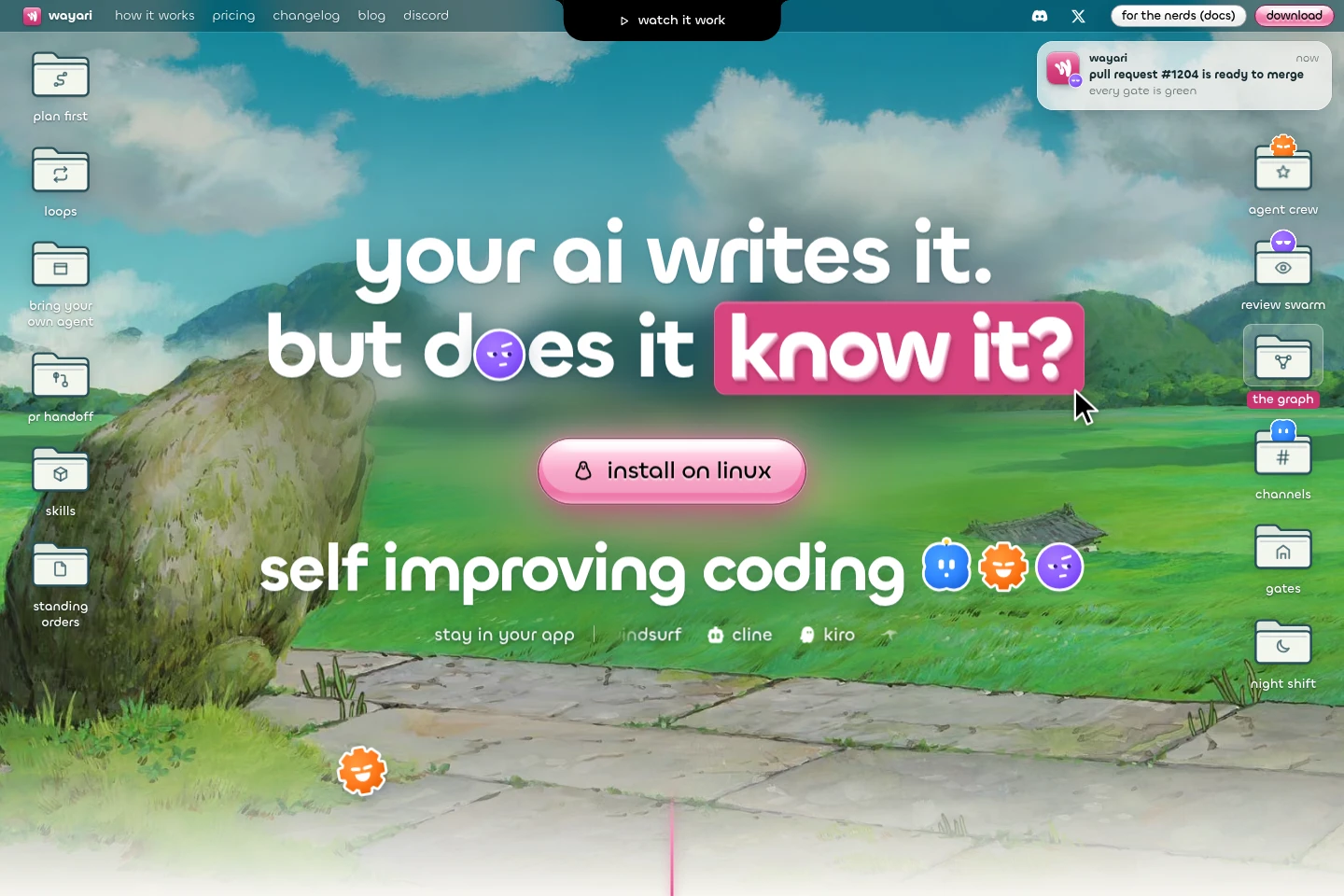
  1. wayari

    Coordinate coding agents from prompt to reviewed pull request

    first week · $0 for one week; then $49/month
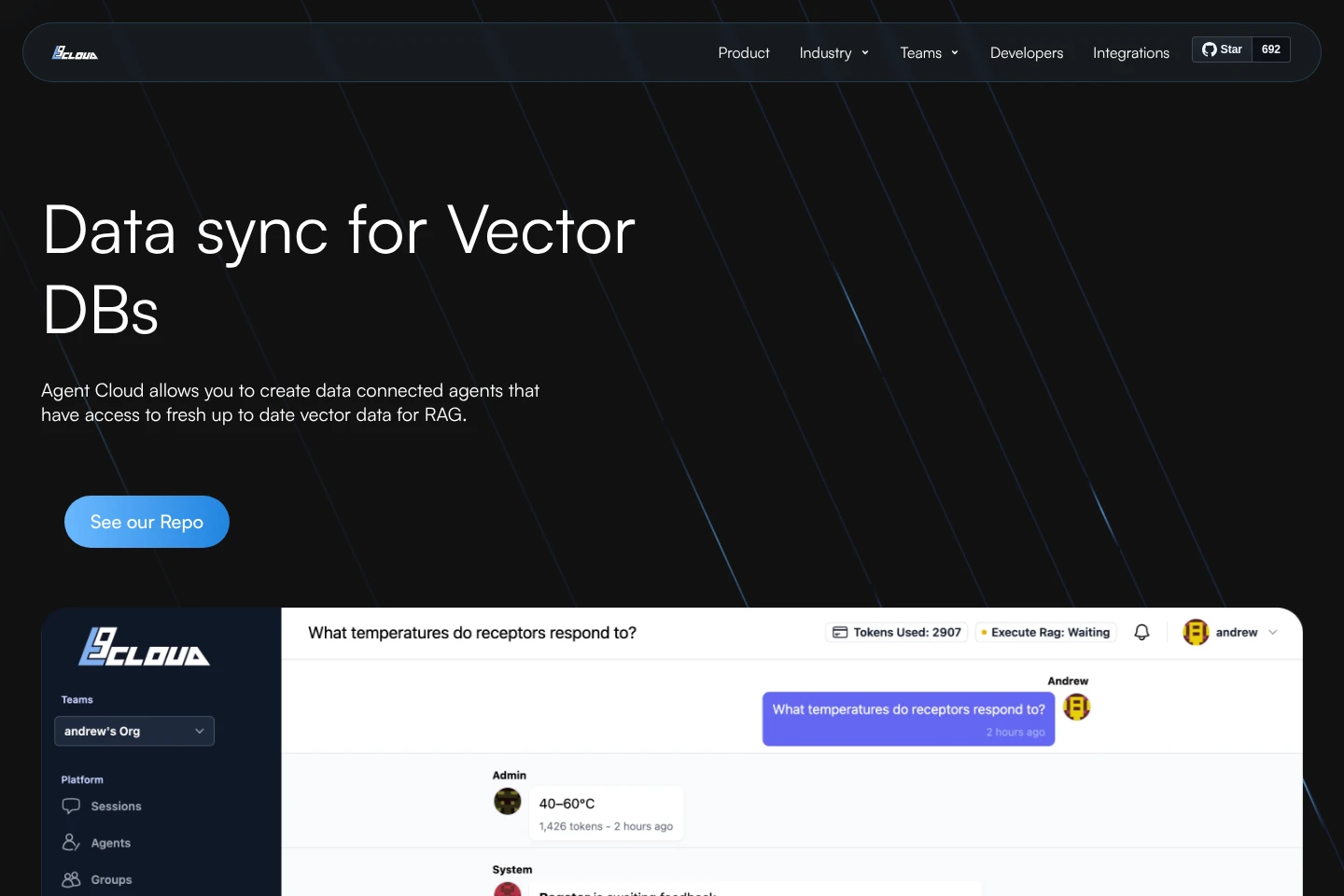
  2. Agent Cloud

    Build private AI apps that connect to company data

    Freemium
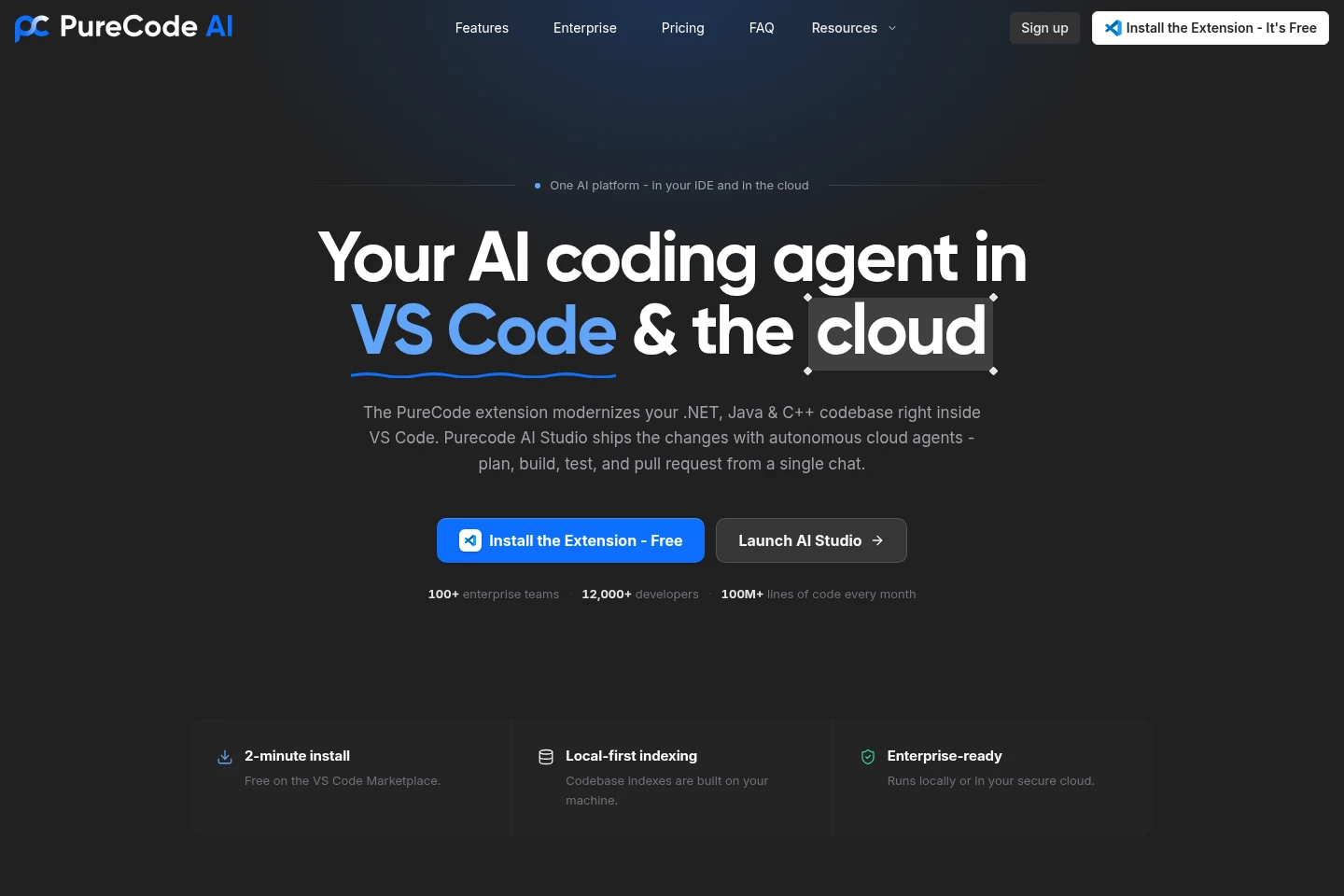
  3. PureCode AI

    AI coding agents for VS Code and cloud workflows

    Premium · $20 per month
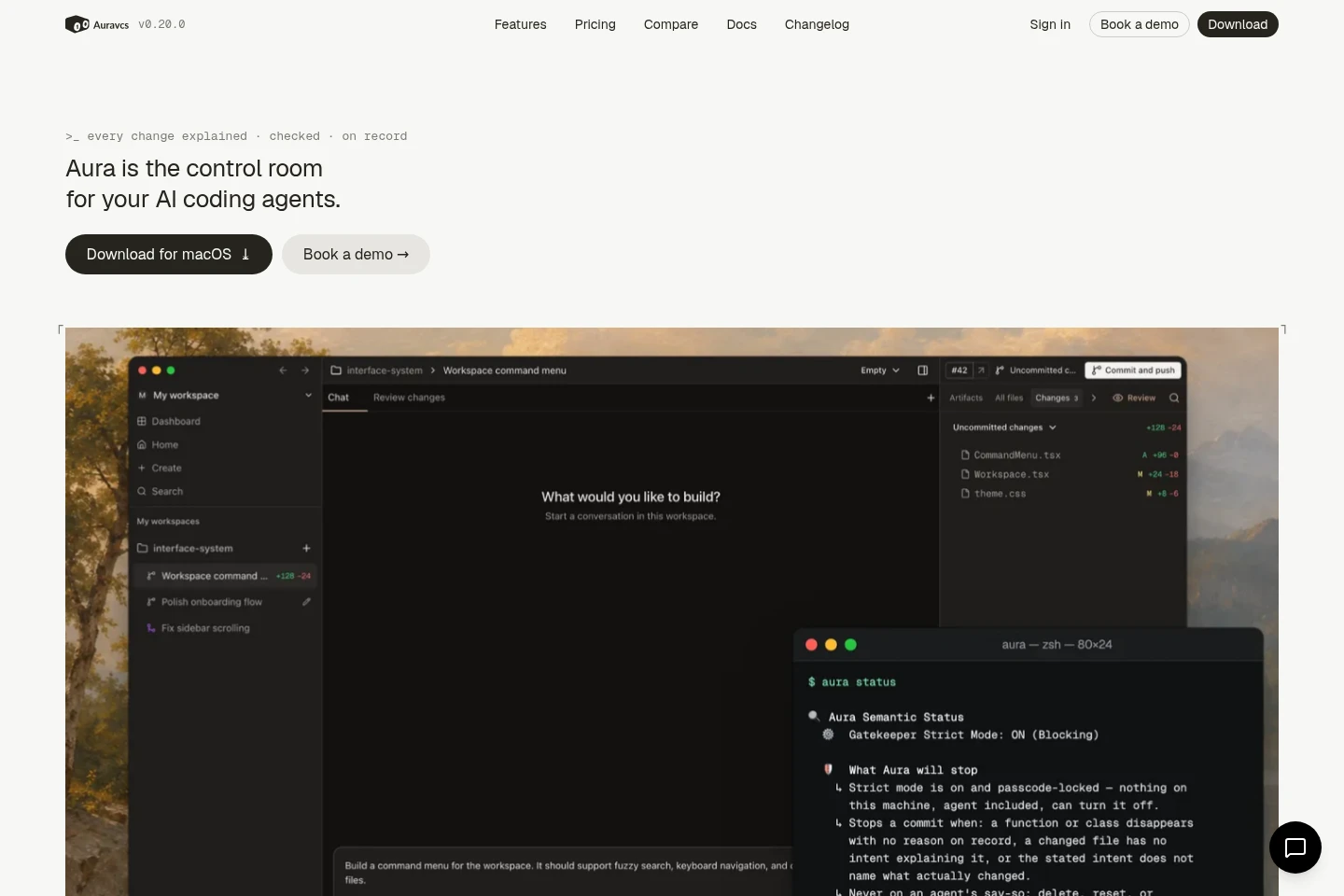
  4. Aura

    Review and coordinate AI coding agent work on your Git projects

    Open source · Free
  5. ACE

    AI agents for software development and operations

    Pro · $20/mo

Who it is for

  • Developers who want cloud agents to implement repository tasks and prepare pull requests

  • Software teams coordinating frontend, backend, and infrastructure changes across repositories

  • Product managers and designers who need to assign code tasks in plain English for technical review

FAQ

What does Agen do?

Agen runs autonomous AI coding agents in the cloud. You assign a task in plain English, and agents clone the repository, write code, run services, address pipeline failures, and prepare a pull request without local setup.

Can Agen work across multiple repositories?

Yes. A multi-repo session can cover frontend, backend, and infrastructure repositories for one task. Agen prepares a separate pull request for each repository.

Do I need to install software to use Agen?

No. Agen runs in the cloud and tasks are assigned from a browser. Connect a Git repository and review the results online; no IDE, CLI, Docker, or local environment is required.

Can I try Agen without paying?

Yes. Signup includes $20 in free usage credits, and no credit card is required. The pricing page also lists Core, Starter, Pro, and Scale paid plans.

How are code changes protected before merging?

Each agent session runs in an isolated cloud sandbox and uses a separate branch, not the main branch. A team member reviews and approves changes before they are merged.

Comments

Please sign in to leave a comment.
No comments yet. Be the first to share your thoughts!